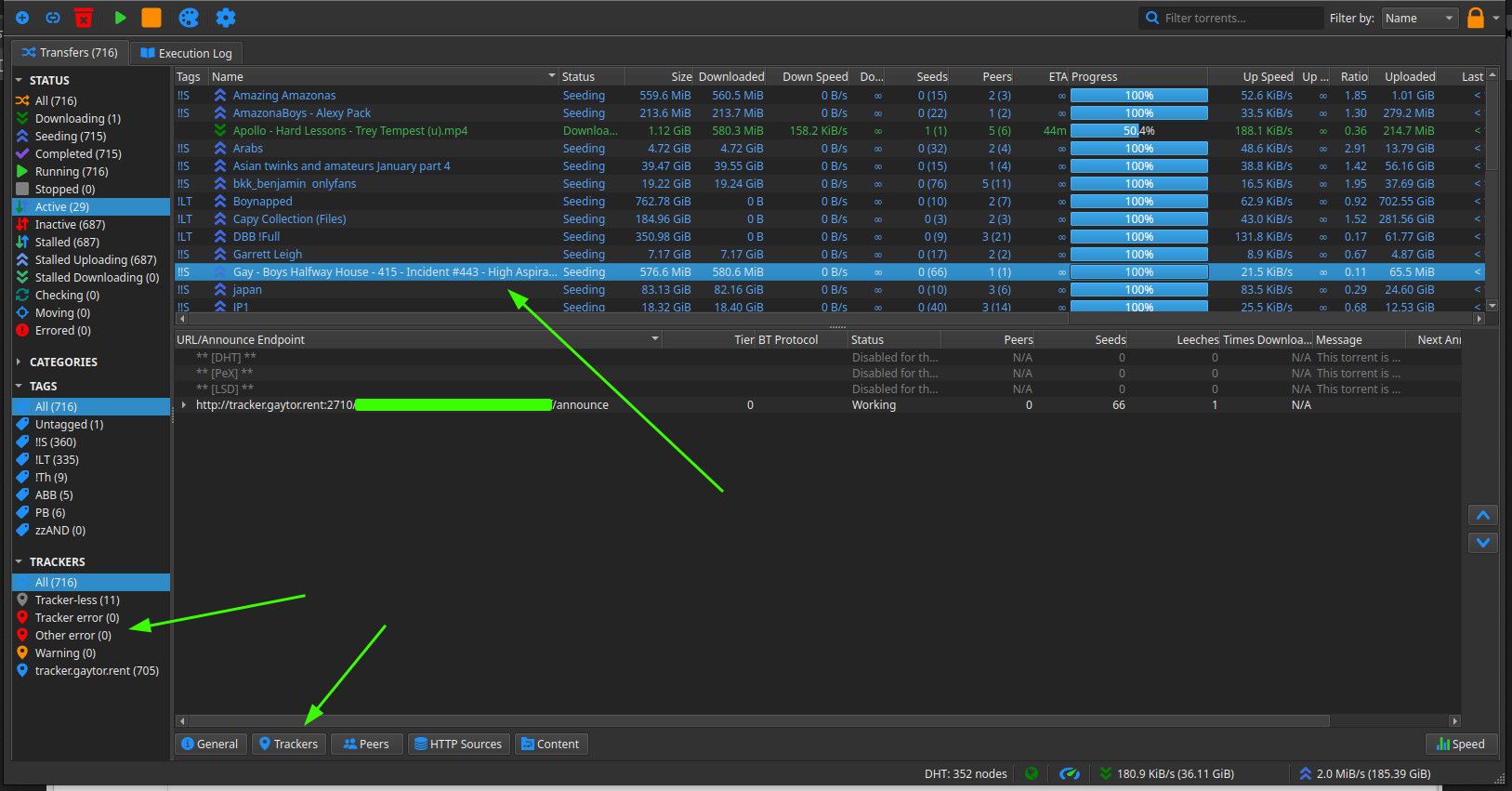
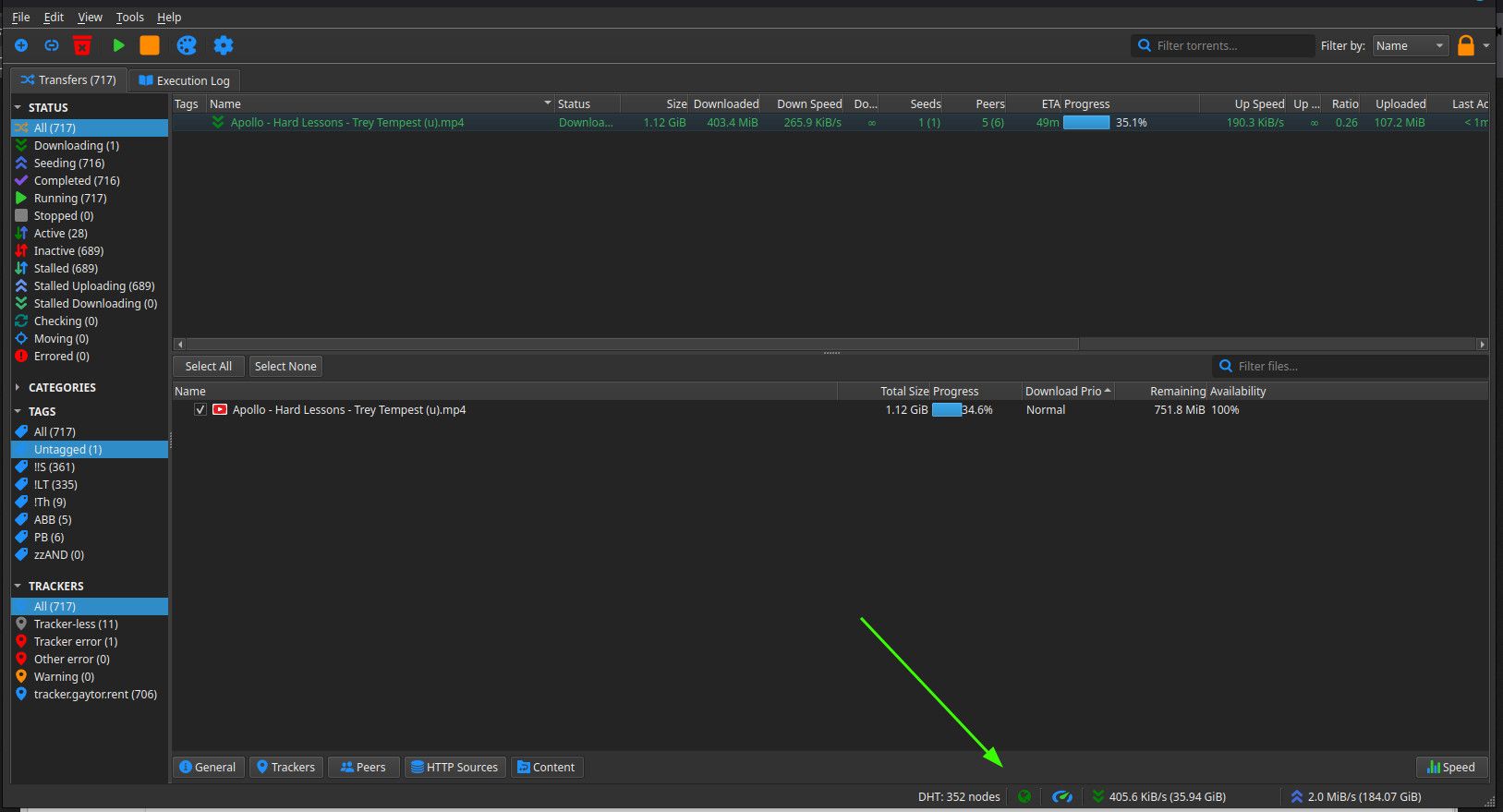
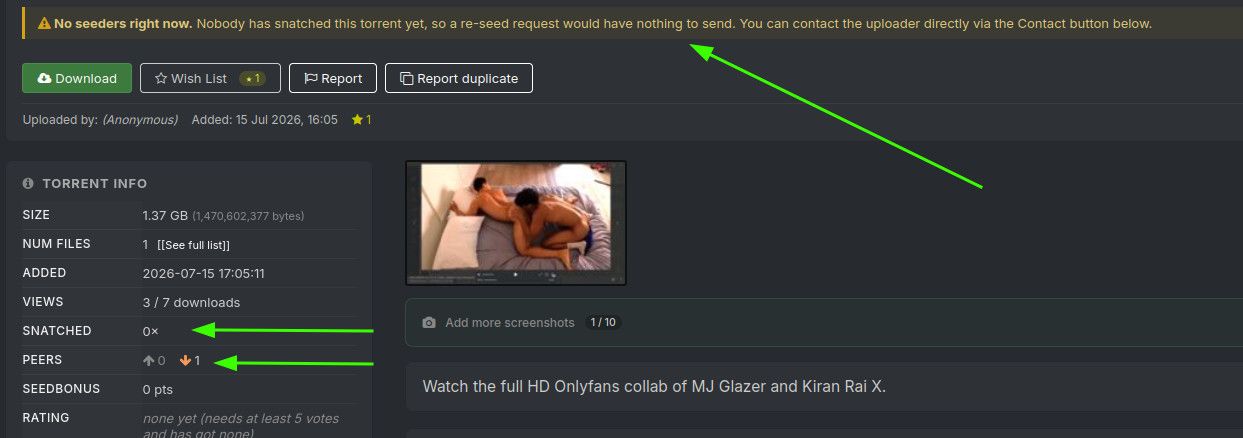
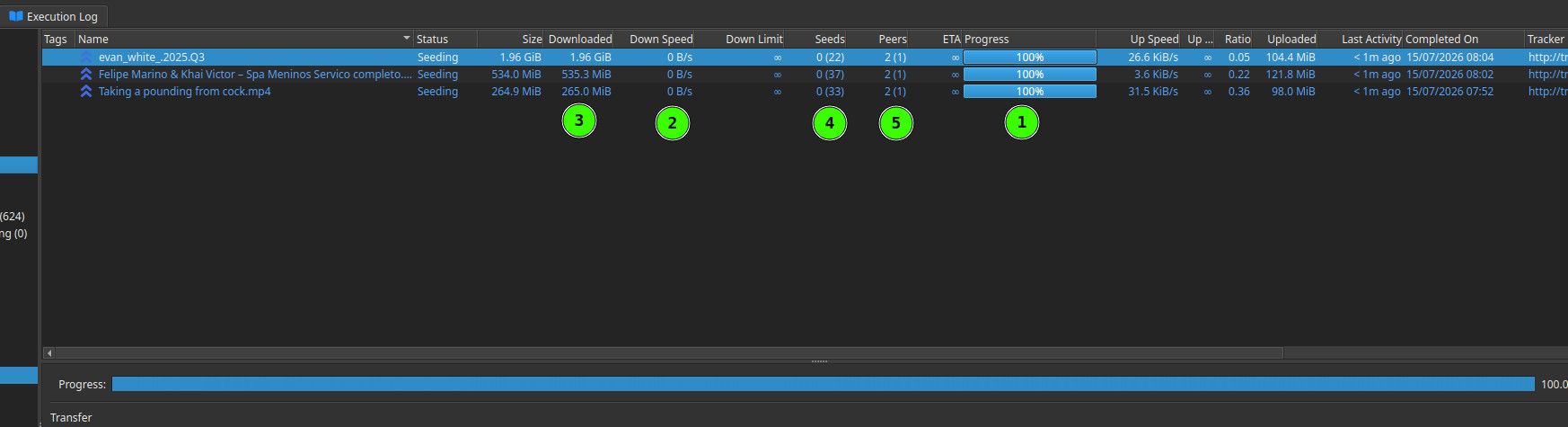
@Aestet OK. The first problem is that the trackers are showing as "Not working". This means your computer can't talk to the site to get details about the torrent, and who has the files you want.
Go into "Tools" at the top, then "Preferences". This will open up all the settings used to configure qB.
Go to "Connections" and see if (1) is set to TCP/uTP. If not, set it to that. Then make sure the option at (2) is ticked. So long as you've not set up port forwarding up on your VPN, the port number between them shouldn't be relevant, but you can also try changing this by clicking the "Random" button.
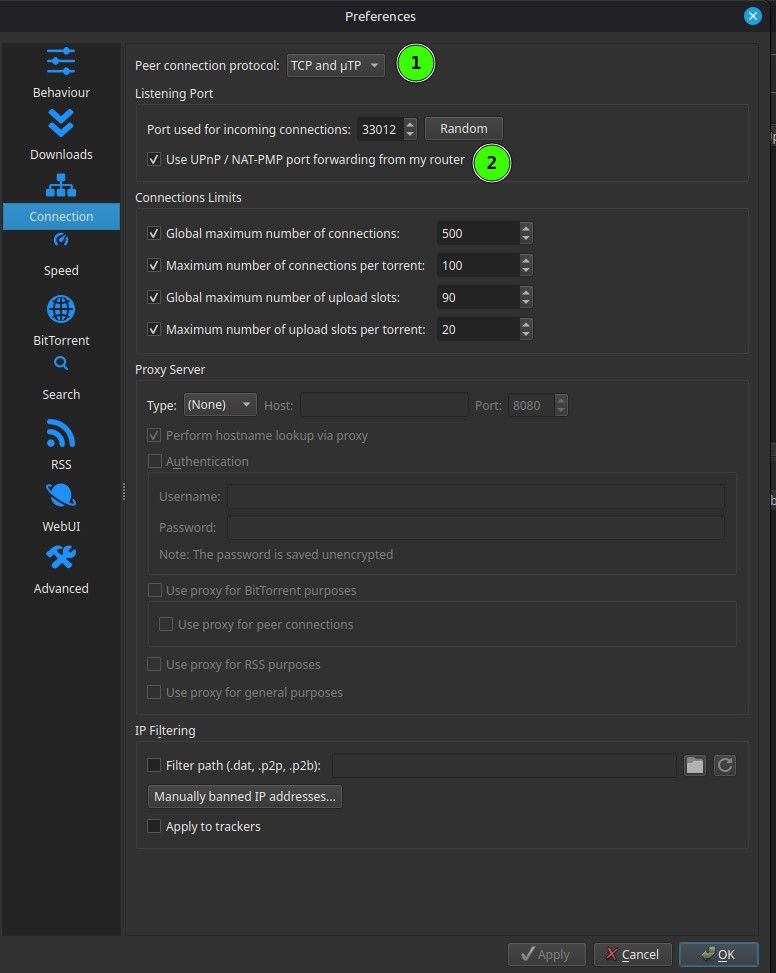
Save these settings by clicking "OK" at the bottom, then exit. See if it starts working after a few minutes. That column "Next announce" will tell you how long you nee to wait, but you can also force it by right clicking the line and selecting "Force Reannounce".
If this doesn't start things working, try a few variations of the same. For instance, change "TCP/uTP" to just "TCP" and try again. Try those options, then let me know.