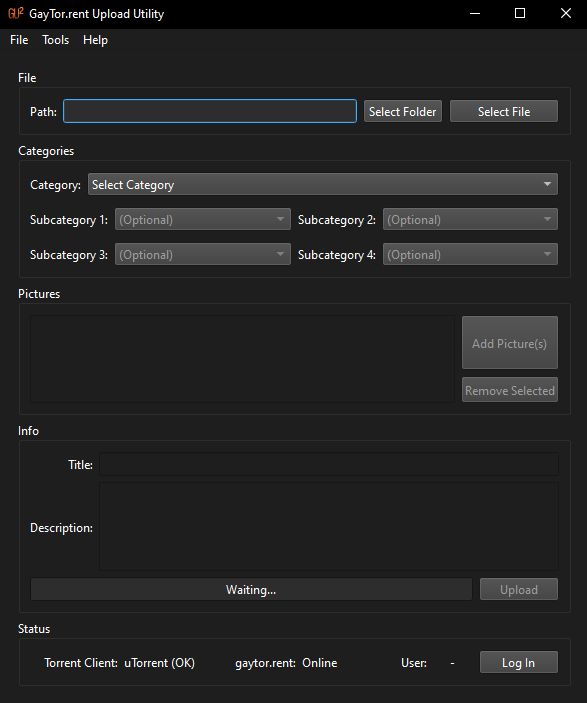
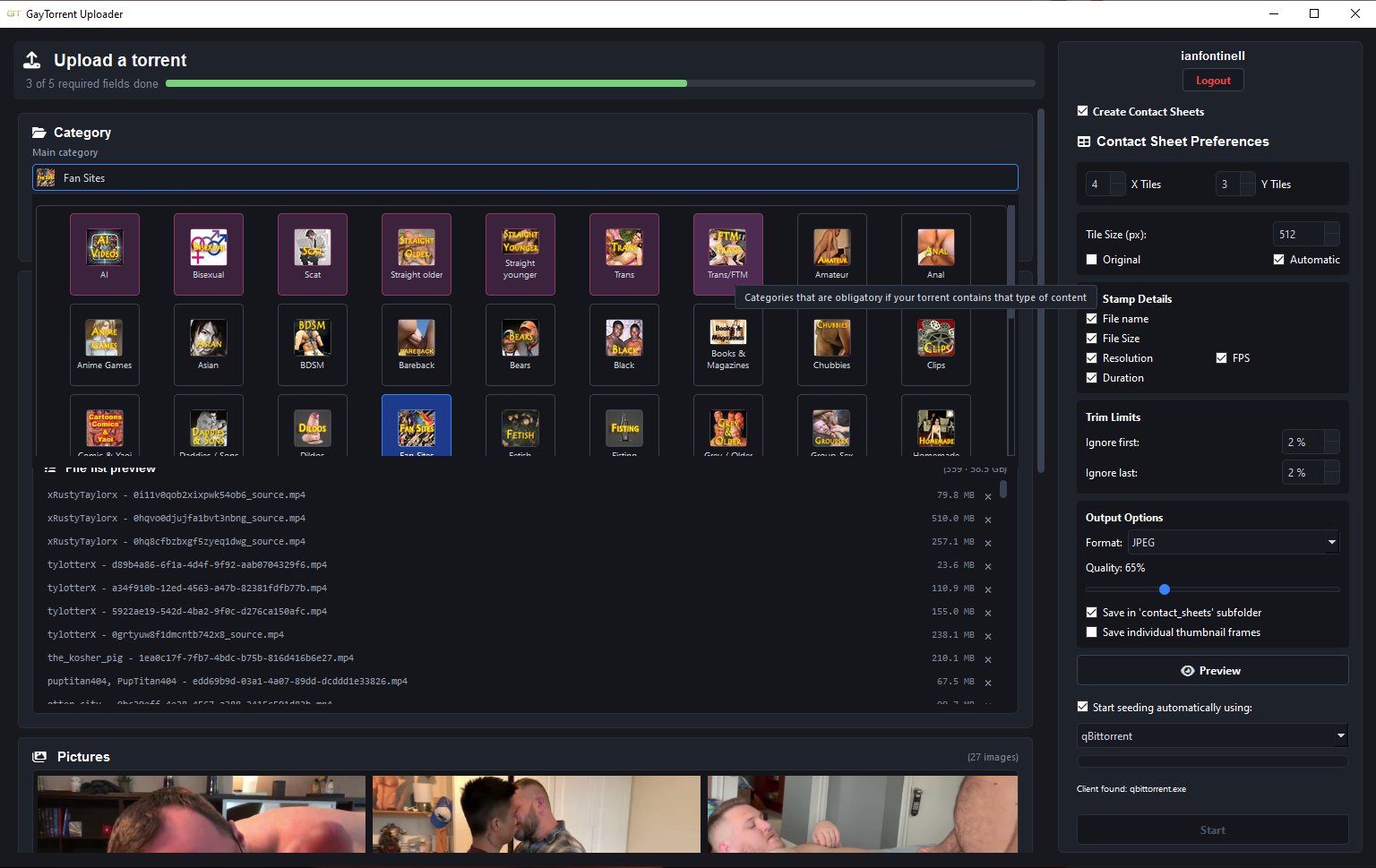
• [Software Release] GayTor.rent Upload Utility

    Pinned guu upload torrent qtm quicktorrent
    131
    1
    1 Votes
    131 Posts
    2k Views
    ianfontinellI
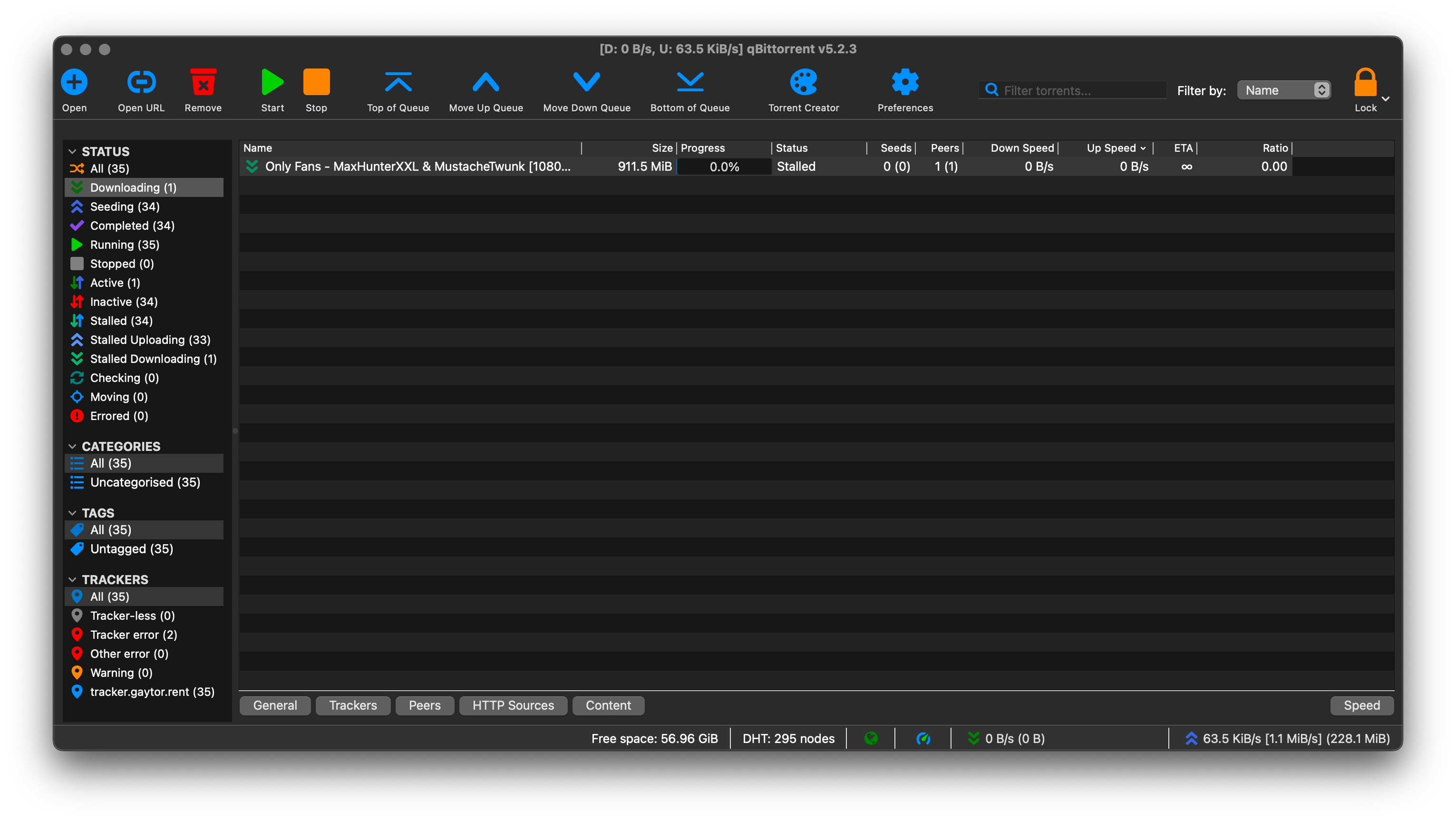
    @jumpipi for now we have to resort to manual upload, both QTM and GUU are defunct because of the new cloudflare barrier in the login page. if you are trying to upload a file/folder that is less than 8GB in size, you can use the upload page to create the torrent file on the fly. but if your total files go beyond that size you need to create the torrent file beforehand using your torrent client. since you mentioned you are already seeding the torrent, can you check the tracker tab to see if you have the proper announce URL or if there is a status message? If you see this URL in your tracker's tab, it will not work: http://gaytor.rent:2710/announce The tracker URL must look similar to this: https://tracker.gaytor.rent/eg155nmsebyvcpcgmt0t11wdpygpn5mu/announce
  • [Tutorial] Optimise your settings for seeding

    Pinned Moved
    3
    4
    0 Votes
    3 Posts
    400 Views
    erikiwiE
    Thank you!
  • 0 Votes
    2 Posts
    410 Views
    S
    ;D ;D  Thank you so VERY much for this post.  I just downloaded it last night, and now I have been using it to build contact sheets for all of my folders.  You seriously rock for finding this program.  Thanks again so much.
  • 600 BONUS POINT AWARD FOR YOUR FIRST UPLOAD!!! DETAILS HERE:

    Pinned
    10
    0 Votes
    10 Posts
    616 Views
    JokerJ
    @user1971 done, the 600 points are on your account now. Have a look, your bonus balance should have jumped. The reason you could not find a link to claim it is that there is nothing to claim. That award is not something you apply for. It is handed out by staff from the Thanks box on your torrent's own page, it comes out of the site's pocket rather than anyone's personal balance, and it can only ever be given once per member. So there was no broken link, just a step that happens from our side and nobody had got to yours yet. For what it is worth, your upload earned it. DJ Legendary Stud is sitting on 34 seeders with 243 completed downloads, which is a very good first torrent. On the other thing you mentioned, not being able to open a helpdesk ticket: I checked your account and there is nothing on it that would block you. Nothing is flagged, restricted or limited, so that should work. If you try again and it still refuses, tell me what you see, the exact wording or a screenshot, and I will chase it. I would rather find out it is genuinely broken than assume it was a one-off.
  • QTM (Quick Torrent Maker) Installation, Advice, Known Issues

    Pinned Locked
    1
    0 Votes
    1 Posts
    521 Views
    No one has replied
  • 0 Votes
    2 Posts
    1k Views
    1
    error on internetWritefile 12002
  • HOW to be the "winner" of that race to be THE FIRST UPLOADER!!!

    Pinned
    3
    0 Votes
    3 Posts
    248 Views
    ?
    There was an exciting movie that I wanted to be first to upload, so I turned on QTM and filled in all of the relevant information and pictures but waited until it finished downloading from the source. Did a quick check to ensure it played and had the correct subtitles and time as listed, then hit that button. That was fun! Someone else did upload the same movie within a very short time, but with a different file format and size - so we both won anyways 
  • Guidance Needed (Likely from Mod) Re Seeding Recently Freeleeched torrent

    8
    0 Votes
    8 Posts
    81 Views
    Kevin4fmK
    @MrMazda Thanks. I believe my port forwarding settings are correct now. Since I moved to a VPN that supports it, I've seen a dramatic and continued upsurge in how many torrents I'm seeding. Most of the time, I'm at my maximum upload speed, and there are a few torrents I'm seeding where a sole leecher had been trying for ages, and soon after setting up port forwarding, these completed. Having said all that, I'll take a look at it again, especially my router settings, as I don't recall having to do anything with them. There may be some additional tweaks I can make to improve things even further. .
  • Is there a file limit?

    5
    0 Votes
    5 Posts
    60 Views
    T
    Kevin4fm I got it to work by reducing the number of files. I had split it into two parts, but had to split it into 5. I had no problem making a torrent file in my client (uTorrent) that only gives me problems if it's over about 22gb. This was the Classic Uploader, I just don't think it could handle 60000+ files. The new parts are about 15000-20000 files and I got them all uploaded. Thanks.
  • Uploading rules & banned content rules are maybe not the easiest to find

    5
    0 Votes
    5 Posts
    53 Views
    raphjdR
    We specifically use "claims to be or appears to be real" for a reason. The best example is snuff films and Best Death videos. Best Death videos portray snuff and necrophilia, but it's immediately clear that it's all fake since the "victims" can't fake being dead to save their lives; pun intended. As pointed out, proper studios are generally trusted until/unless proven otherwise. Cobra got caught up due to a certain person and his boyfriend using highly accurate fake IDs. They weren't prosecuted because the fakes were so good. It's also why we don't outright ban their stuff, just the "offending" stuff.
  • CSRF token invalid or missing

    1
    0 Votes
    1 Posts
    30 Views
    No one has replied
  • About uploading

    2
    0 Votes
    2 Posts
    55 Views
    Kevin4fmK
    @echoone249 This is a torrent you created, yes? How did you create the torrent? What torrent client are you using? (Client = app = qBittorrent or uTorrent, or Transmission, or similar.) Did you download the .torrent file from the site and launch that one in your client, or are you trying to use one you created locally yourself? (That won't work. Could you post a link to the torrent description page that was created? That may give a couple of clues.
  • Question regarding seeding

    3
    1
    0 Votes
    3 Posts
    56 Views
    VanthV
    @ianfontinell Oh, okay, thank you so much!
  • Reseed notifications for files not originally Snatched?

    11
    0 Votes
    11 Posts
    82 Views
    Kevin4fmK
    Actually, there's another reason for sometimes not getting back up to 100% on an individual file. People often include images as well as videos. Those people often include them at the same folder level as the video. People like me don't want / need other peoples' images so delete them. However, the way files are split in a torrent, the last chunk of a video file may well have been uploaded/downloaded within the image file next to it. Hence, if you no longer have the video file you may also find that the video files above and below it only recheck to 99% or so each. This may not be an issue if you haven't originally downloaded the image file at all, or it may be. You'll often see part of a file shows as downloaded even if you've unticked it. I'm not sure if that means the full video file has therefore downloaded and be retained. I get around this by redownloading the images if I get a reseed request, and someone does have the images too, so I become a fully fledged seeder again. Their size is normally minor in comparison to the video files.
  • What to do after seeding torrents in the website?

    17
    0 Votes
    17 Posts
    101 Views
    john32123666J
    @frostycab said: Over at Torrentday you are required to seed all of your downloads to either a 1:1 ratio OR at least 72 hours within 30 days, the idea being to discourage hit & runs. Not required, if it happens that the file you are sharing are copyrighted materials and falls into legal action then everyone is involved and being sued ... look what happen to gt. org ...
  • Uploaded Torrent - Haven't gotten any credit

    5
    0 Votes
    5 Posts
    53 Views
    MrMazdaM
    @filthycasual1337 BitTorrent Web is just the same as uTorrent Web. It is generally regarded as a TERRIBLE choice for torrent client. It may have a lot to do with the issue you are having.
  • So how do I seed and upload my own torrents?

    3
    0 Votes
    3 Posts
    54 Views
    MrMazdaM
    @Seakyusee1 This is usually the case when your torrent client is trying to download the torrent, rather than seed it. To fix this, remove the torrent from your uTorrent, then do the following: Move the video file or the folder containing the multiple files into the folder that your uTorrent downloads into by default. Download the .torrent file from the site to use Open the .torrent file from the site with your uTorrent As long as all the file(s) are in the correct place (ie the default download folder, or their collective folder within that folder), uTorrent should check the contents, then begin to seed it for you. When it tries to download the contents, it is because it cannot find them in the default download folder, so it assumes you are trying to download, rather than seed.
  • non-visible torrent not seeding

    4
    0 Votes
    4 Posts
    59 Views
    JokerJ
    Staff here. This is how visibility works: a fresh upload stays non-visible until our tracker sees the first seeder, there is no approval queue. The usual fix when uTorrent says seeding but the site disagrees: delete the torrent you created locally from the client, download the .torrent file from your own upload page here, add that one to uTorrent pointing at your original files, then force a re-announce. That version carries your personal announce key, which the self-made one does not. It should flip to visible within a minute or two of the tracker seeing you. If it still stays invisible after that, tell me the torrent name and I will check the tracker side directly.
  • partial reseed?

    6
    0 Votes
    6 Posts
    23 Views
    LancejL
    @Kevin4fm Yea i will usually remove them from Vuze, rename them and stick them in a catalog folder so my Stash can pull Metadata. ok ill give that a shot. thank you guys for the help.
  • Trying to Upload-Need Help or Opinions

    4
    0 Votes
    4 Posts
    43 Views
    ianfontinellI
    @tarrat if you still have the same issue and need help in the future make sure to inform your OS, which version of utorrent you're running, if the files are on SSD or HDD. If your upload is smaller than 8GB you don't even need to create a torrent, you can hash it directly from the upload page.