• Recent problems uploading, anyone has it too?

    6
    0 Votes
    6 Posts
    66 Views
    MrMazdaM
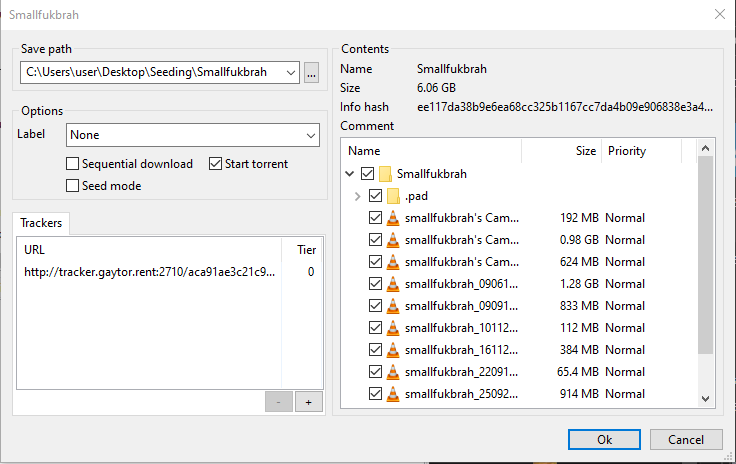
    @semurg30 When this happens, there is a simple way to continue with your upload. First, move the video file or folder containing the multiple files into the folder that your torrent client downloads into by default. Next, go to the torrent page on the site. Download the .torrent file for the torrent, then open it with your torrent client. If you have placed the file(s) in the right place, it should verify the contents of the torrent, then begin to seed it for you.
  • Am I missing an important setting?

    7
    1
    0 Votes
    7 Posts
    35 Views
    MrMazdaM
    @eobox91103 I also guarantee that your port forwarding settings play a part. When you're a passive node on our tracker, your peer priority ends up working out to be much lower, so it becomes harder to get traffic, and when you actually do, you're usually seeding parts to peers who are seeking a slower speed for the part. It's kind of weird, but given our size, the alternative of supporting passive nodes would seriously increase our already heavy traffic loads and server demands.
  • QTM not working

    5
    0 Votes
    5 Posts
    58 Views
    J
    @MrMazda Thanks! It worked!
  • I am not tech savvy

    6
    0 Votes
    6 Posts
    35 Views
    MrMazdaM
    @frostycab The strange thing about QTM is it only seems to misbehave for some users, while working perfectly for others. This makes it problematic for us as unless we are able to duplicate the problem, we cannot be sure of where the problem is exactly or what exactly needs to be adjusted to fix the issue.
  • Connecting to peers problem while uploading

    3
    0 Votes
    3 Posts
    29 Views
    ?
    @sylokbear-0 If you uploaded a folder, your torrent client will download a folder. This means that you need to set the download location one level BELLOW the uploaded torrent folder. For instance, if the folder is "C:\Downloads\Torrent Folder" you need to set the download location to "C:\Downloads" If you set your download to "C:\Downloads\Torrent Folder" then an additional folder will be created inside of it, and the files will not be found. Remove the torrent from your software and add it again, set the location properly this time and it will start seeding right after checking the files.
  • The Best Thumbnail software and help needed

    4
    0 Votes
    4 Posts
    30 Views
    F
    @ianfontinell Sadly on any given day there's a good chance that you will be able to uploads breaking at least 1 or more of those 5 rules, though I admit it's far better now than it was a few years ago. A classic example is when users upload videos but then only add stock pics of the performers rather than screengrabs of the video itself. I have to admit that when I do find a torrent that breaks one of those rules I'm usually hesitant to report it, usually for one of two reasons. Firstly, I might actually decide to take a chance on downloading it, and don't want to see it taken down when I'm at 40%, but secondly because I could report so many of them that I think the admins would end up getting sick of me (if they're not already!) It's a question of finding the line between getting new content uploaded and being petty. Unless something is blatantly misleading I often err on the side of caution.
  • Unable to upload 2nd torrent with QTM

    2
    0 Votes
    2 Posts
    27 Views
    S
    @underchubs I have had the same issue for a month now. I am unable to upload torrents anymore.I'm sick of wasting my time trying.
  • Torrents aren't uploading...

    3
    0 Votes
    3 Posts
    46 Views
    S
    Nope doesn't work.
  • how to create torrent with vuze

    9
    0 Votes
    9 Posts
    45 Views
    T
    To select a single file, select the Single File option. To select a folder containing files and folders, select the Directory option. To select one or more files, select the Add Files option. To select a folder containing files and folders, select the Add Folder option.
  • Uploading a JustForFans siterip

    18
    0 Votes
    18 Posts
    170 Views
    K
    @wewe1221 can't visit the site I'm not member of that tracker.
  • Error on QuickTorrentMaker

    4
    1
    0 Votes
    4 Posts
    35 Views
    MrMazdaM
    @chicko This error happens when there is already a torrent somewhere in the system with the exact same info hash. In other words, the error is exactly as it sounds.... It is already on the site somewhere.
  • Torrent page says 1.19GB but my torrent is 1.28GB

    8
    0 Votes
    8 Posts
    47 Views
    T
    @john32123666 Your statements are true, but this is different than what I was saying. Mine is about inconsistent nomenclature; yours is mostly about allocation overhead on disks and the overhead of various data formats.
  • DVD title from a converted video ...

    4
    1
    1 Votes
    4 Posts
    19 Views
    john32123666J
    @ianfontinell ... I am referring to a DVD torrent title [misleading members from a converted content] not any type of format ... In addition altering DVD content from original folder is forbidden ... DVD/Blue Ray are example of disc format that can be copy into a hdd drive ... While : MP4. MP4 (MPEG-4 Part 14) is the most common type of video file format. ... MOV. MOV (QuickTime Movie) stores high-quality video, audio, and effects, but these files tend to be quite large. ... WMV. ... AVI. ... AVCHD. ... FLV, F4V, and SWF. ... MKV. ... WEBM or HTML5. are Types of video format extensions transcoded/converted from disc material ...
  • Transmision port closed

    4
    0 Votes
    4 Posts
    17 Views
    MrMazdaM
    @fetoso123-0 On a home connection, you need to make sure your modem or router is forwarding the port that your torrent client uses to your computer. As long as this step is in place, you should be good to go.
  • Not receiving credit for seeding

    3
    0 Votes
    3 Posts
    43 Views
    MrMazdaM
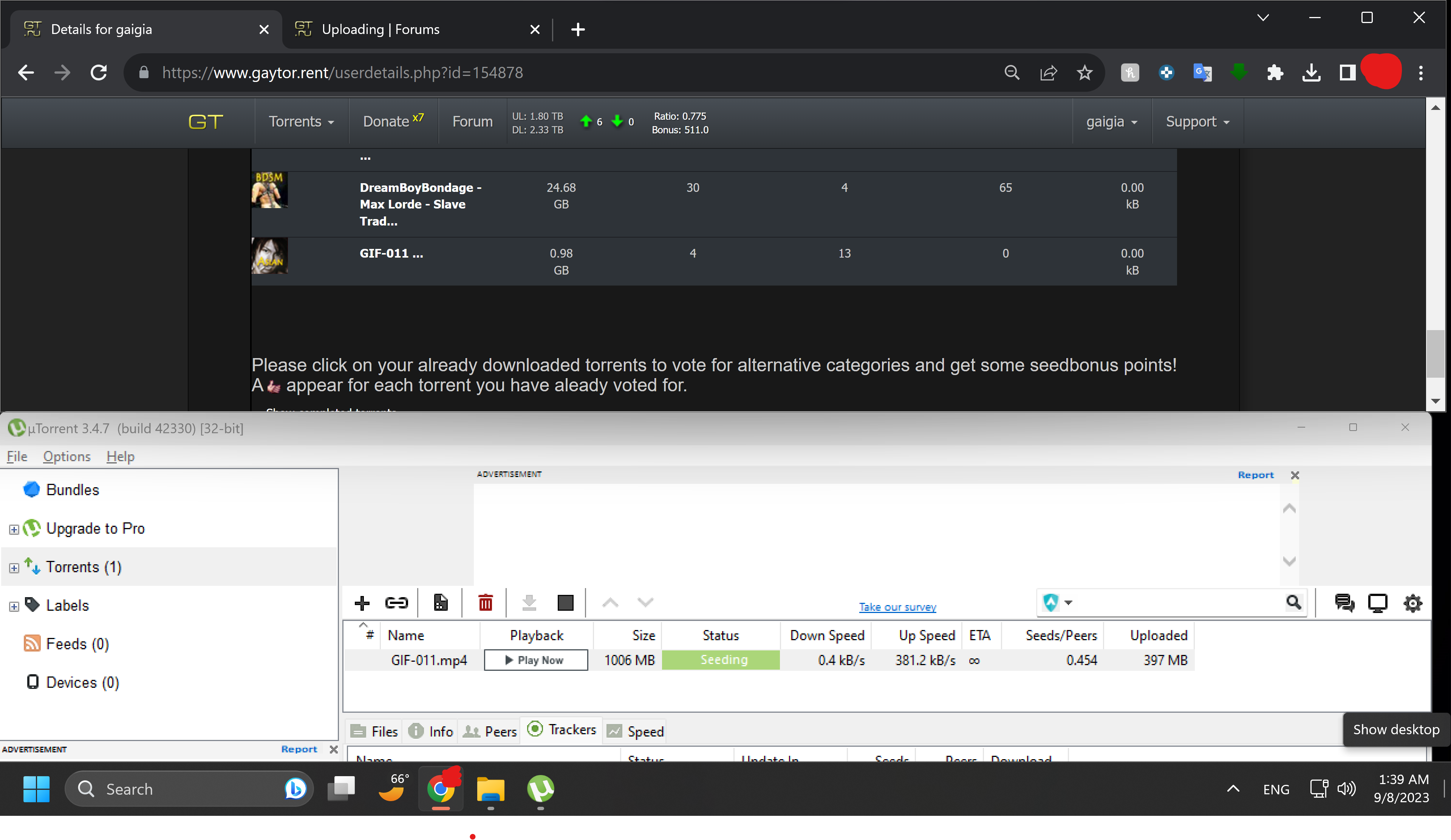
    @Bammm As @1ushost mentioned, there is a difference between torrent client data and site profile data. Your torrent client will show the total amount of data including overhead traffic that has occurred for the torrent since it was added to your torrent client. The site however will only show the amount of data transferred for the current session. If for any reason you stop then restart a torrent, the data totals will reset to zero as it will register as a new session.
  • 0 Votes
    3 Posts
    26 Views
    K
    @ianfontinell Thats what the client reports. Just to be clear, there is no way to know if its "dead" ok "killed" (by takedown) from the client side right? Because in that case, I simply will delete the torrents as you suggest.
  • Constant re-downloading instead of seeding!

    2
    0 Votes
    2 Posts
    27 Views
    ?
    Welp... i'm trying to understand why you are so mad that everything is working as expected. You are aware that renaming files/directories will lead to inexistent paths. Either you're indiscriminately renaming stuff like a psychopath or there's something misconfigured with your NAS, but I think it's the first option. You should stick to a single torrent client if you download from multiple devices and check if your server is available 24h or if there's any kind of operation happening that could lead to its unavailability. Not only that but you could also swtich to a torrent client that will stop torrents with missing files instead of redownloading them. qBittorrent is a good option, if you rename stuff directly using the operating system, or for some other reason the file or entire path become unavailable, the torrent will stop and you'll receive an error warning within the app. Additionally, if you need to move files or folders from one directory to another you should always do it using the torrent client instead of using the operating system file explorer. This is important regardless of running a NAS or offline storage, always manage your torrent data using the torrent client. Additionally, if you use multiple devices, don't ever try to have more than one client seeding the same torrents if the torrent app data is stored offline. You can install a portable version of the torrent client within the NAT as well, so whenever you rename something using the client it won't lead to stuff becoming unavailable in other devices.
  • Will not seed

    2
    0 Votes
    2 Posts
    30 Views
    ?
    @calgboi if you are too concerned over your ratio you should start uploading instead of only relying on seeding already available stuff. You might find success in maintaining a good ratio doing just that in other sites, but gaytorrent is huge, the userbase is very active and the number of torrents that people upload daily is very high. Usually something gets a high demand for the first few hours or first day of upload and then it just fades into forgetfulness. You might have success downloading stuff that was uploaded 15 years ago, but that's because there's someone who didn't bother deleting it from their PC/torrent app. The only torrents with high demand are the ones on the homepage and don't even bother downloading just for trying to seed them, it will not work.
  • Website shows no uploading torrents even when seeding

    5
    0 Votes
    5 Posts
    49 Views
    MrMazdaM
    @Poernerlook Just out of curiosity, are you using uTorrent 3.6.0 or BitTorrent 7.11 by any chance? This is one of many known issues with these torrent clients. While we recommend uTorrent 2.2.1, the latest version that works properly with our system is 3.5.5.
  • co-seeding ...

    5
    2 Votes
    5 Posts
    44 Views
    T
    @eobox91103 said in co-seeding ...: @tnar I think we have to distinguish two cases: Somebody uploads a new torrent, and somebody else "jumps on" this torrent, depriving the uploader of some upload credit. This is impolite. I think the is the situation that the OP is referring to. The torrent is old, and bears the "recycle" logo. If there's only one person seeding it, they're probably not the original seeder. In that case, "jumping on" helps the user community by getting the material out faster. I agree. In fact, helping to reseed (your second case) seems like the right thing to do, in general.