I'd quibble only very slightly, in that I wouldn't say port forwarding is "crucial".
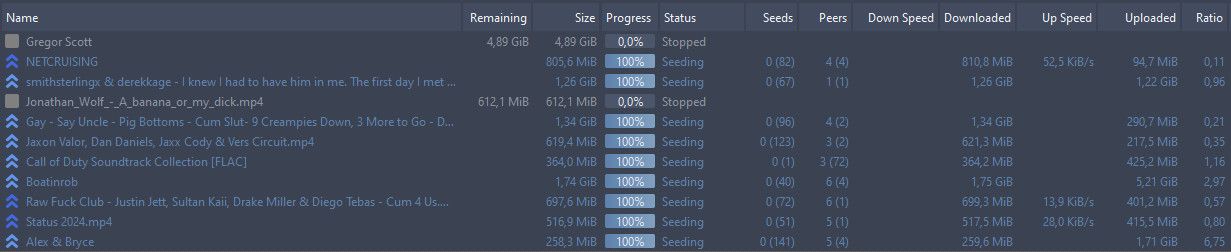
I managed to maintain a respectable ratio of around 2:1 since I joined the site quite a while ago without it. I've also not really felt restricted as to what I can download. It did take a fair bit of careful husbandry though. I seed 24/7. I have a very large amount of torrents I'm seeding, which I split into "long term" (files I'll keep, regardless of whether I'm seeding them or not) and "short term" (a mixture of recently downloaded files that I genuinely wanted - but aren't worth the aggro to set up as 'long term' - and freeleech stuff grabbed mainly to seed onwards for ratio. My short term seeders are rotated to earn their keep. They get deleted once they've not had any traffic for a month, or sooner if I'm running short of space I've dedicated for that purpose.
However, I finally got round to switching to a VPN that offered port forwarding a couple of months ago. Once set up, which was extremely easy, I saw an immediate increase in both the number and volume of torrents seeded. I don't have a huge upload bandwidth, but it's now nearly always running near maximum and, week by week, my ratio is improving. I'm currently sitting at around 45TB up and 20TB down, so it takes a lot to swing the needle even a little, but it is slowly swinging, and in the right direction.
The other advantage of having port forwarding set up is that I can more often grab those torrents that have only one or two seeders, and seed the lone leecher who want one of my long term torrents where I'm the only seeder. Previously, we'd sit forever with me "available to seed" and the leecher "ready to grab", with nothing actually happening, because we couldn't connect to each other.
But port forwarding takes minutes to set up - once you're with the right VPN provider - and pays immediate dividends. Well worth any investment of both time and slightly higher VPN costs if necessary.