• Rules for this section

    Pinned Locked
    1
    0 Votes
    1 Posts
    2k Views
    No one has replied
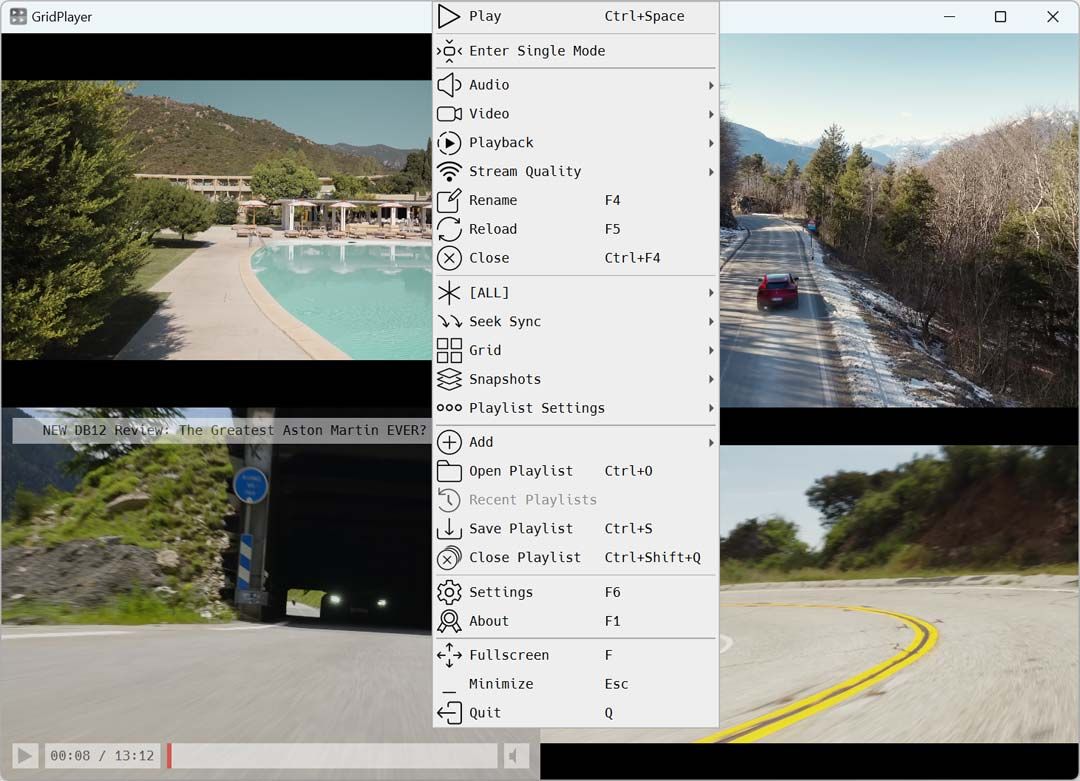
  • Gridplayer - MUST TRY

    10
    1
    3 Votes
    10 Posts
    108 Views
    ianfontinellI
    @MrMazda it still works, and it also prevents the update service from being restarted by any other service. The only way to reactivate it is through wub itself. now that i give it a thought i dont really know if it still works since i don't update mine since idk 2024 so idk it works at least for me
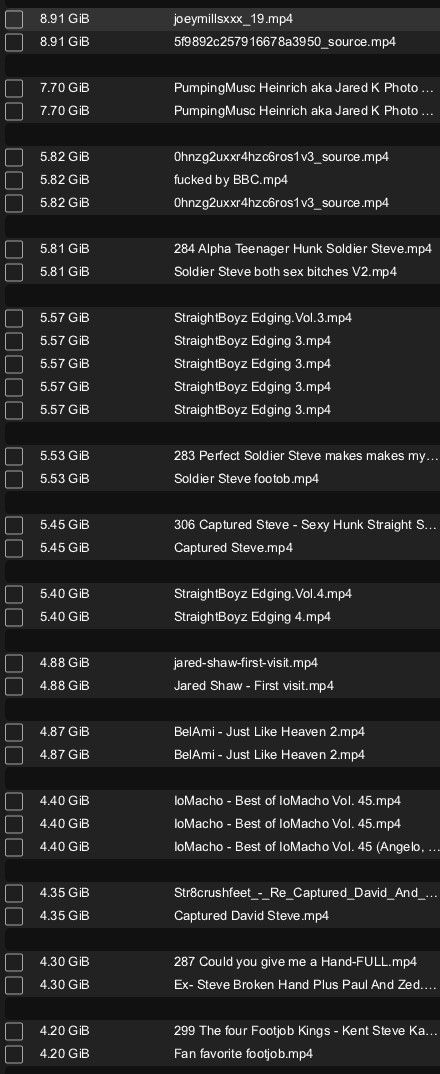
  • Duplicate finder

    9
    1
    0 Votes
    9 Posts
    116 Views
    F
    @randyrain Paid? How dare you use that word on a torrent site! LOL I got DD through TDay.
  • What's everyone using for their media management?

    46
    1 Votes
    46 Posts
    261 Views
    F
    Still using Plex for everyday media and StashApp (https://github.com/stashapp/stash) for porn.
  • What tool can I use to save images?

    Moved
    3
    0 Votes
    3 Posts
    43 Views
    jokuihmemiesJ
    i just tried onlyfans and it works with right click and save normally. which site u talking about?
  • How to automatically extract thumbnails from a bunch of videos

    8
    0 Votes
    8 Posts
    111 Views
    dereksarteD
    https://www.gaytor.rent/details.php?id=Ha6_TP8vx8ENQc3b4kqzoQ&hit=1
  • 1 Votes
    2 Posts
    22 Views
    ianfontinellI
    @dereksarte very useful thanks
  • thisvid profile crawl

    2
    1 Votes
    2 Posts
    102 Views
    dereksarteD
    Try SCrawler? (edits in the pic are unrelated to this thread) [image: 1785043397623-scrawler.png] https://github.com/AAndyProgram/SCrawler
  • OF OnlyFans scraping

    9
    0 Votes
    9 Posts
    107 Views
    dereksarteD
    Btw I'm not sure what these OF related scripts are but probably in direct relation to content scraping https://greasyfork.org/en/scripts/by-site/onlyfans.com?sort=updated
  • What do y'all use to make screencaps??

    4
    0 Votes
    4 Posts
    47 Views
    dereksarteD
    Video Thumbnails Maker Platinum 18.0 Portable x64 https://www.gaytor.rent/details.php?id=Ha6_TP8vx8ENQc3b4kqzoQ&hit=1
  • JustforFans (JFF) scraping/downloading

    3
    0 Votes
    3 Posts
    103 Views
    dereksarteD
    [image: 1785041960634-scrawler.png]
  • Problem with previewing images. (Not site issue, just on my pc)

    21
    0 Votes
    21 Posts
    52 Views
    MrMazdaM
    FWIW: I sometimes have this very problem. I have noticed a pattern to it though. When the network load of the server gets to a certain point, I start noticing some interesting behaviour, including this very issue. Simply put, when the network load level gets too high, not only does this very thing happen for me, but I often get random "Network Error" messages pop up here and there. In some cases, there is even a delay in the pages loading, and it seems that it takes some time to actually process the request and begin to render the content. Perhaps this issue may be in intermittent issue related to the network demand of the server? Specifically, due to the high load levels, there is a delay or in some cases, even a time out that occurs, resulting in the content not displaying as intended? @Joker have you heard about this? The frequency at which this happens is often not consistent. I only finally put 2 & 2 together on this issue when I ran into a situation where instead of getting delays (among other strange issues), I actually ran into a full page error message about the network load level being too high. It was a "too many requests" page that more or less said that the page could not be retrieved because the network load level was too high, though I don't get this message very often. Sometimes, the problem lasts all day, while other days, it only happens here and there once in a while, but then goes away. The "Network Error" messages are most common in the messages app.
  • AI movie

    1
    0 Votes
    1 Posts
    42 Views
    No one has replied
  • This topic is deleted!

    Unsolved
    6
    0 Votes
    6 Posts
    61 Views
  • Yummy+

    2
    0 Votes
    2 Posts
    57 Views
    A
    @Xxalbertxx-0 You can't. But you can use OBS Studio to capture...
  • Home Network Setup

    10
    5
    2 Votes
    10 Posts
    101 Views
    MrMazdaM
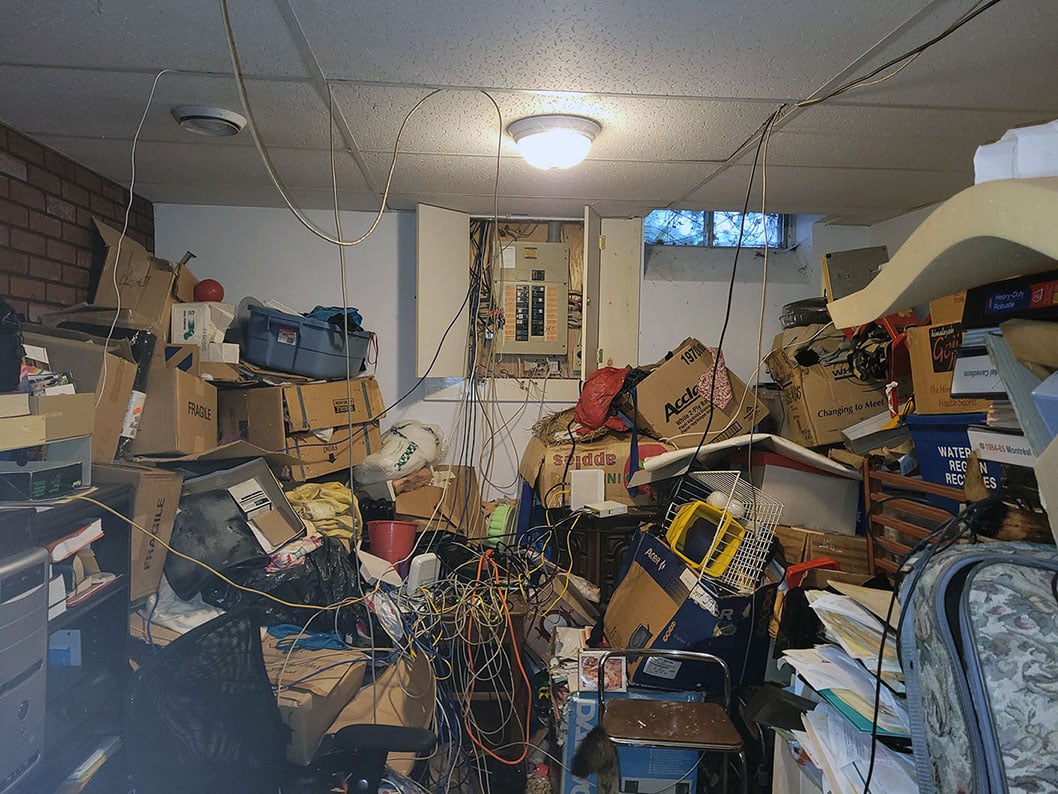
    @cp2000 The 3 white things are WiFi smart switches (well... plugs). The ones for the cable equipment are tied to the WiFi on the DSL line, and the ones for the DSL line are tied to the cable WiFi so that I can remotely reboot one network at a time from anywhwere. The bigger white thing I think is a scam. It's supposed to somehow modify the wave frequency of the hydro (electric) service to reduce your bills, but I think they're a blatant scam.
  • Onlyfans download

    8
    0 Votes
    8 Posts
    223 Views
    V
    @doobiedeluxe Just gave OF-Scraper bash curently scraping my first account. So far it works pretty well once you get it running.
  • Deleted files still taking up the space!

    8
    0 Votes
    8 Posts
    54 Views
    ianfontinellI
    @eobox91103 thanks for the award About your findings: Windows itself does not “fence off” or reserve disk space based on a file's self reported size. Most torrent clients do not pre-allocate by default. Instead, they create sparse files: files that have a full logical size (e.g. 30 GB) but only consume disk space for the pieces that have actually been downloaded. This means nothing prevents you from starting two 50 GB torrents with only 50 GB free, both will download simultaneously until the disk fills up, at which point they will fail. For example: You have 100 GB free You start downloading a 10 GB file At 50% completion, only ~5 GB of disk space has been allocated You still have ~95 GB free Even though half the file does not exist on disk yet, when reading the file, NTFS returns zeroes for the missing regions, as most user-level applications cannot observe “holes” in files, including Windows Explorer. There are backup tools that can copy sparse files exactly, without zero-filling the sparse regions. When you copy such a sparse file using Windows Explorer, the copy process reads the entire logical file: Real data for downloaded pieces Zeroes for sparse regions Those zeroes are then written to the destination file, causing full physical allocation. The copy is no longer sparse and now consumes the full disk space. So when you say that copying folders to backup drives doesn’t waste space, that’s true for completed files. But copying an incomplete sparse file expands the holes and wastes space by filling them with zeroes. In normal backup workflows, this is not a concern because completed files already have their full data written. Logical size and size on disk will naturally be very close. For complete files, the Size on Disk will usually be greater than the file size itself, things like the file name and path length can increase the size on disk by a few bytes, for example. So in short, I hope you're not backing up incomplete files, and if you're not you're all good
  • Getty HQs

    1
    0 Votes
    1 Posts
    12 Views
    No one has replied
  • Best free software to blur moving face in video

    11
    0 Votes
    11 Posts
    69 Views
    cp2000C
    @amelia I do not have any cracked versions of Capcut nor do I think they exsist from what ive seen. The monthly sub is cheap for how powerful the software can be in my opinion. Capcut should have the free version with face mosaic that is the best free option unless it recently changed - that is automated face blurring with face mosaic the overall best version available in my opinion for this particular thing would be PowerDirector... AI powered automatic face detection with blurring options - whether its in the free or paid version im not aware sorry. Thanks