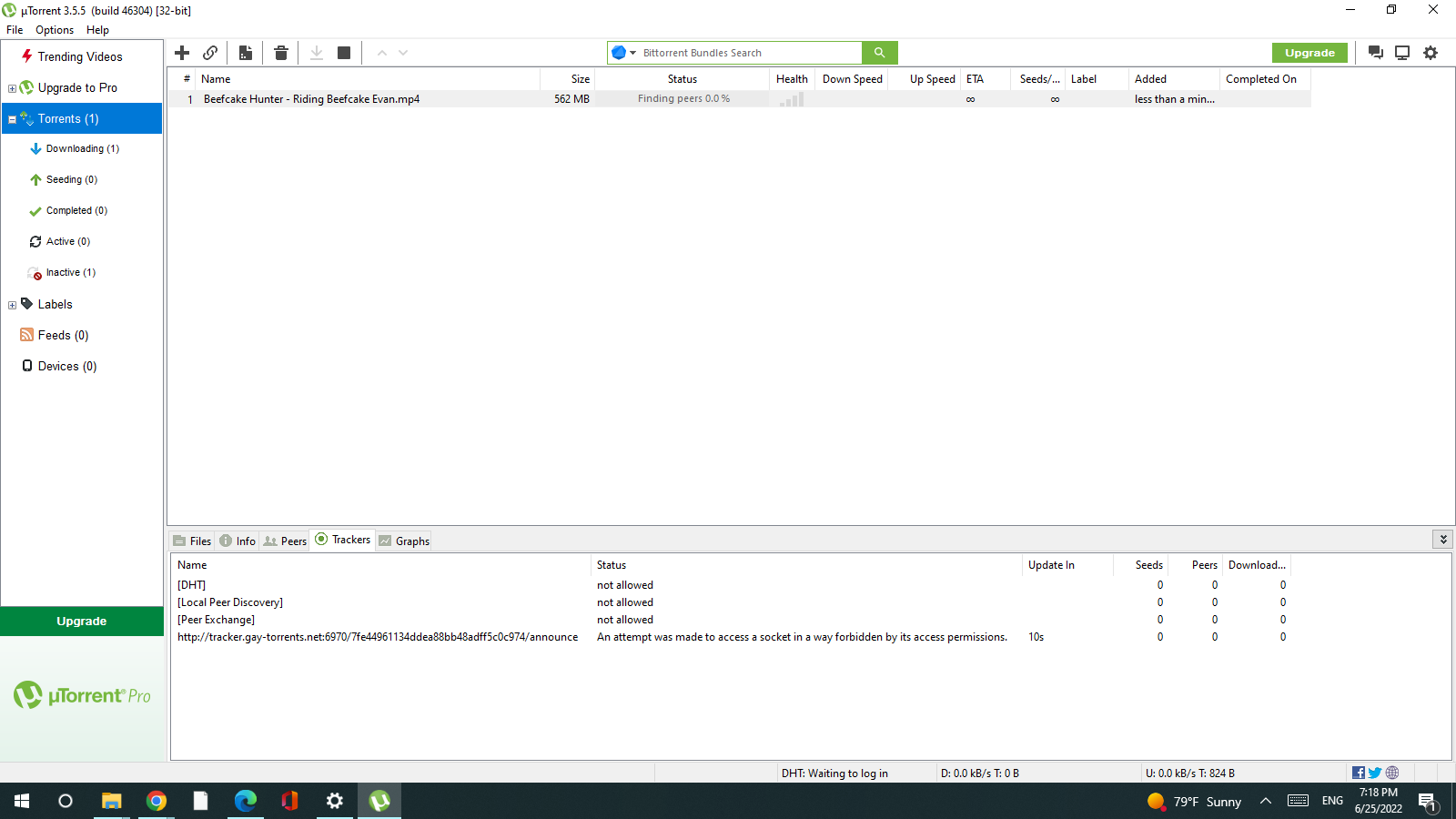
• Another account stuck on max downloads

    2
    0 Votes
    2 Posts
    64 Views
    csrdanC
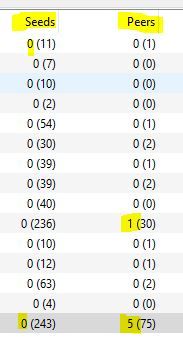
    if you click on that icon adn scroll down you can see the torrents the tracker thinks you're downloading. do note, if you only want to download part of a big torrent; even if you arent downloading and are just partial-seeding, the tracker counts you as a leech. it sucks, but you have to just stop torrents you don't want to fully download. don't partially seed.
  • Stuck at "finding peers"

    11
    0 Votes
    11 Posts
    155 Views
    bi4smoothB
    @esterlion said in Stuck at "finding peers": @b779a Ok! thank you so much, gonna check that Yeah the weirdest thing - I think! - is that it seems to work fine with torrents other than those from GTRU. Its only with torrents from here that it just doesn't start downloading That would lead me to believe that there is a firewall of some kind in place. (NOTE: Firewalls can block based on NAMES or IP addresses...) So, for "public tracker" torrents, your ISP can detect you're use of torrenting with that tracker, block it, and there are a dozen more to take its place. The "list" of public trackers are different NAMES as well as IP addresses... But GTRU is a "private tracker" - so it your ISP decides to block the NAME tracker.gaytor.rent - our only tracker - then you may be SOL. The GTRU tracker is actually behind a service that's designed to "protect" against "attacks" on single IP addresses (CloudFlare) ... so, IP-level blocking probably wouldn't work... So, if we assume that the block is by name, the fix for that is easy, and is actually a recommended setting to anyone who doesn't want your ISP tracking your every movement on the Internet: Change your default DNS service! Recommended settings (can be made in your local router, but I prefer to override in my Windows or Linux clients themselves) is to force your DNS server to one of the following. (These are MY favorites - there are others!) 1.1.1.1 & 1.0.0.1 - Owned by CloudFlare 8.8.8.8 & 8.8.4.4 - Owned by Google 9.9.9.9 & 149.112.112.112 - Owned by Quad9 Also-Rans (one reason I like the above is the ease of remembering the IP addresses... I'm a computer consultant, so I have to enter these ALL THE TIME, so easy-to-remember is a big plus for me... maybe not for you...) 84.200.69.80 & 84.200.70.40 - Owned by DNSWatch 208.67.222.123 & 208.67.220.123 - Owned by OpenDNS 4.2.2.1 - 4.2.2.4 - Owned by Level3 (purchased by Level3, and unlike others, does not promise privacy). Use this link to re-configure your Windows system to use specific DNS servers.
  • Account stuck at max downloads

    7
    0 Votes
    7 Posts
    105 Views
    C
    I'm having the exact same problem and it's very annoying. I keep getting errors saying I'm over my # of downloads at a time, but nothing is downloading. I look and see a bunch of 0 downloaded leeched torrents under my leeched list. I have no idea how to clear them off. I never had a problem until the site updated, I've been having this issue for awhile now.
  • 0 Votes
    2 Posts
    31 Views
    nomadtimmN
    @salbakutamas The only place I know to see all the torrents you've downloaded in on the Details Page, in the order you've downloaded (newest listed first).
  • sportfotos-online

    download
    1
    0 Votes
    1 Posts
    47 Views
    No one has replied
  • Unable to download or seed after using VPN

    2
    0 Votes
    2 Posts
    68 Views
    G
    All sorted now. Turned out to be a DNS issue.
  • I can't download Hans Berlin torrents

    2
    0 Votes
    2 Posts
    52 Views
    pupkinvasyaP
    @serdue0 I'm trying to download right now and it downloaded normally
  • bitcomet port forwarding issue

    1
    0 Votes
    1 Posts
    23 Views
    No one has replied
  • Opening file

    2
    0 Votes
    2 Posts
    69 Views
    pupkinvasyaP
    @poz777 U need install a torrent client https://community.gaytor.rent/topic/54168/how-to-download-videos-for-new-members
  • Can I download simultaneously torrents on my phone and pc?

    2
    0 Votes
    2 Posts
    30 Views
    bi4smoothB
    @salbakutamas said in Can I download simultaneously torrents on my phone and pc?: It gets extremely irritating to only download on my pc. I always miss out on freeleech torrents whenever I'm away from home. ( Yes , I browse torrents even if I'm outside lmao ). So the question is .... Am I allowed to download torrents on my phone and pc using the same account with different downloader ( Qbit is not available on Android ) without getting banned or anything? You can download (login and register) from multiple locations - however, the issue becomes whether others are downloading on that same IP (which is what can trigger multiple-account warnings) Personally, I use a set of VMs in the cloud ($5/mo!) as well as a VPN connection from there to do my downloading!
  • Torrent Still Show As Leeching Even After Deleting

    5
    0 Votes
    5 Posts
    67 Views
    pupkinvasyaP
    @iaimtoplease thanks
  • Does the Gaytorrent tracker support IPv6?

    3
    0 Votes
    3 Posts
    80 Views
    bi4smoothB
    @lovetwinks said in Does the Gaytorrent tracker support IPv6?: I was wondering if the tracker announces your IPv6 address to peers so they can download from your pc? Also when I download I am seem to be connected to Ipv4 addresses only. Does the gaytorrent tracker support IPv6? The DNS entries for tracker.gaytor.rent and tracker.gaytorrent.tw both resolve to IPv4 addresses only... So, unless someone wants to share the IPv6 addresses privately, the answer is a solid no... the trackers are not reachable via IPv6. If you ARE using IPv6, there should be no issue ALSO connecting to IPv4 addresses.... the translation mechanisms are well established and high performing. I must say that I laugh at the aggressive way some people are for or against IPv6... it's just a different addressing scheme. I also laugh at companies (esp larger ones) insisting that their LANs switch to IPv6! I've never heard any argument about IPv6 that wasn't based on the premise that "we're running out of IPv4 addresses... but that's only public Internet addresses! IP addresses for LANs are re-used all the time (probably 50% of all users on this system have an IP address in the 192.168.0.x or 192.168.1.x range... that's 10's of thousands of users, and only 500 available addresses, no? Well... NO - because those are LAN addresses... no one OUTSIDE of your LAN uses those addresses... when you "get to the Internet" your router "changes" your address to your "public" IP address. NOTE: This is why, when you have roommates & you're all on gaytor.rent, you get flagged for having multiple accounts! You're all using the same public IP address!
  • Are anyone else's torrents all stuck at stalled?

    34
    0 Votes
    34 Posts
    440 Views
    L
    @soulcalibour it’s working now yeah but I’m still pissed because some torrents I downloaded yesterday mainly OF content. I couldn’t download at all and now it’s gone from the site completely. It seems to happen in phases and not everyone is affected because the torrents I downloaded yesterday were downloaded by people I just couldn’t download it. Now it’s “fixed” but the actual torrents got dcma’d….fuck that. All the good torrents get quickly taken down less than 24 hours.
  • all the GTRU files are red

    Locked
    2
    0 Votes
    2 Posts
    105 Views
    D
    @winsray wait... the moderators already posted that they're working on the problem = )
  • Do I Need a VPN? Traveling to Europe

    2
    0 Votes
    2 Posts
    50 Views
    T
    @carlosmunoz dear friend, downloading torrents from other sources can cause trouble, but not here.
  • Tracker issue

    Locked
    2
    0 Votes
    2 Posts
    119 Views
    kalayaanK
    Write Helpdesk about this please
  • First time downloading/opening, need help, please.

    1
    2
    0 Votes
    1 Posts
    46 Views
    No one has replied
  • BitTorrent stuck on "Finding Peers" with 11 Seeders Feeding Torrent

    17
    0 Votes
    17 Posts
    211 Views
    bi4smoothB
    @john32123666 said in BitTorrent stuck on "Finding Peers" with 11 Seeders Feeding Torrent: GUIDE on > How to Fix uTorrent Stuck on Connecting to Peers: https://helpdeskgeek.com/help-desk/how-to-fix-utorrent-stuck-on-connecting-to-peers/ OTHER WAYS: click on Options/Setup Guide [Run Tests] [image: 1636600450923-screenshot_1.jpg] click on Options/Preferences [Connection] change your port > 6881-6889 [default] port or use random[image: 1636600768408-screenshot_2.jpg] click on Options/Preferences [Bandwidth] default > [200] Global / peers per torrent [50] / additional slots [4] However you can modify these settings to allow all peers [image: 1636601244353-screenshot_3.jpg] If it does not solve the issue Uninstall & re-install your client software or do a web search ... Hope this helps ... I often find changing my VPN server and/or port assignment helps....
  • Help me please

    Locked
    3
    0 Votes
    3 Posts
    48 Views
    kalayaanK
    @bumhae111 Write Heldesk about this
  • CHromebook

    3
    0 Votes
    3 Posts
    24 Views
    bi4smoothB
    So, please understand that a ChromeBook runs Android - a version of Linux for Phones. The Apps you install on ChromeBook are either Apps for Android or Apps for Linux. Unlike Apple, there ARE torrent apps for Android (BigyBT is often listed as a favorite for Android, but I don't use Android Apps so I have no personal knowledge... and qBitTorrent is available for Linux, and I personally use qBitTorrent on Linux and it's great - though it does look/feel more like a Windows App even on Linux.. but that's the point: Same interface, all platforms!) I don't know how seeding will work in this environment, but it'd be cool if you wrote back here if/when you figured it all out!