Hi Kevin4fm,
thanks for the bug report too, I looked at it together with this thread, and you found a real bug.
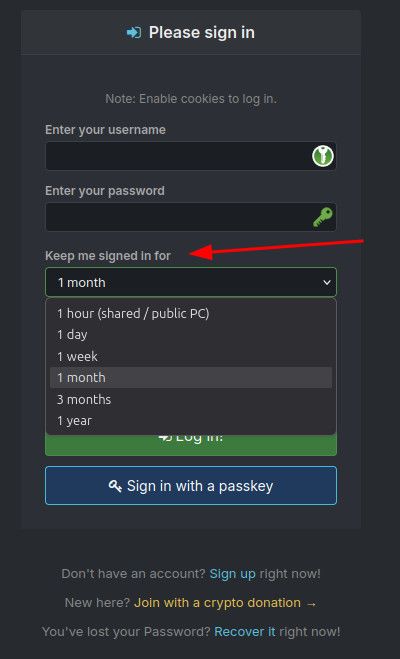
The period you pick is an inactivity window: every visit starts it again, so "1 year" should keep you logged in until you have not been on the site for a year. But after a password change or the Security Checkup (which the banner nudges everyone into) the login cookie was set to a fixed 14 days, whatever you had chosen. That is fixed as of today: those logins now keep your chosen period too.
If it throws you out again after this, reply here with the date, rough time and whether anything changed (browser update, new device, cleared data).
Joker