What's everyone using for their media management?
-
For images and short videos: XnViewMP is free & great files sorter & tagger & more. You can use XnViewMP for organizing long videos too.
For something like Plex - porn gallery - showroom - entertainment center - streaming I would use Stash app.
For most people I reckon File Explorer / XnViewMP is adequate.
Stash can be be overwhelming at first but soon it's a great buddy. It now has AI features too so it can organize, name & tag content automatically to some extent.
XnViewMP doesn't have auto-tag feature at least not yet but FOSS app digiKam has - and the default function can be changed to NSFW keywords.
https://www.xnview.com/en/xnview-mp/
https://stashapp.cc
https://github.com/stashapp/stash
https://docs.stashapp.cc/installation/windows/Stash needs Python path set in WIndows Environment Variables (user variables (not system). Write "path" to Windows search and open "edit variables". Under user variables there is Path, open it and select new and add Python install location to path (such as C:\apps\python). Restart CMD/terminal.
-
I don't rely on metadata to tag my files because I want my tags to be compatible with any software I might migrate to, so I tag everything directly into the filenames and folders.
Using Everything I'm able to filter anything based on categories such as anal, bj, solo, cruising etc, and tags such as hairy, uncut, big dick, etc. This is basically my media management, how I make sure that everything I have is easily findable and not duplicated.
-
My media management is sort of a mess by comparison to a lot of you. I just have dump folders on hard drives in one of a few computer towers on my network. I have started separating things in terms of different drives for different things, but on the most part, it's just a dump folder (or even the root directory of a drive itself) that is shared over Windows File Sharing so that it can be mapped as a network drive on computers other than the one that the drive is physically inside of.
For perspective, there's now over 30 TB worth between all the drives involved in the setup.

The only difference between martyrdom and suicide is press coverage! -
For perspective, there's now over 30 TB worth between all the drives involved in the setup.
Slacker

I have well over 300 TB between my NAS (204 TB) and external HDDs.
I'd have more, but prices are out of control thanks to everything going AI. I'm seeing 250% price increase or more.
-
@raphjd don't let your neighbors know about it, with the current data center hatred going on specially in the US, they might petition to ban you from the city
-
@raphjd Sounds like you're a bit like me. As much into the collecting as the watching, if not more so.
I've "only" got about 30TB. I worked out a while ago that if I dedicated my life from now on to only watching what I've collected about eighteen hours a day (so I do still have time to sleep), I'd still be dead long before I've actually watched it all. Worse, the same fact applies to my "must watch one day" non-porn videos and my "gotta listen" audiobooks. Mind you, I don't exactly have a lotta time left. I'm considerably closer to the end than the beginning.
And yet, I still continue to add to all these collections. Which I'm off to do now!

-
I mainly use stash , but as others have mentioned have a folder structure
I like stash for rating as a bookmark system, then also use random with the wall feature to explore long forgotten about videos hehe
I wish stash had a folder/path view , you can search via path and tag etc but its too long winded
Ended up adding a docker app called filebrowserr Quantum (a fork of filebrowser) that basically gives you a remote folder view with thumbnails , and can open most files in browser
I recently moved to btrfs filesystem as it has a deduplication feature.
I was using jdupes with symbolic links, but this is risky if you move your files around.
So in jdupes the -B flag trigers the filesystem dedupe option , and as its on the block level you dont have to worry about moving files or deleting one copy -
Currently I have no media manager and just rely on folder structure but I could use a good gooner-tool. I love the current website and would hope something similar, local and private with build in viewer was available. Something I can add pictures, previews, and notes and also has an visual de-dup ability via some local AI.
I used to run Stash a long time ago but found it sluggish and not what I was looking for.
I also didn't like it pulling all sorts of information from the internet I didnt ask for. But thats a long time ago and I dont know how they handle that right now. -
Still using Plex for everyday media and StashApp (https://github.com/stashapp/stash) for porn.
-
guys, try this if you use Windows, it's amazing and free: Video Peek
-
guys, try this if you use Windows, it's amazing and free: Video Peek
I would advise anyone who is thinking of trying this to read @ianfontinell's assessment of that software first.
Taste the rainbow! Eat crayons!
-
@MrMazda Hey I have a really dumb question for you (and for others) where my porn collection is significantly smaller. Do you just use external hard drives, or do you use something like a NAS?
For the NAS, do you manage it through Windows Explorer or speicalized software (does it come with anything, or you use Plex)? Sorry for all of these basic questions, I've always wanted to take the leap every time Black Friday rolls around but always on the edge
-
@frostycab to be fair it wasn't an assessment of thte software, i never downloaded it in the first place. It's more of an assessment of the situation itself.
-
I would pay good money for an app, NO sub for certain aspects of this website to be made into a cross-platform (win-man-linux) electron app.
For me it needs to:
- Lets me keep my folder structure as is
- Has a build in video-player, grid view with remote support (play multiple videos - gooner-mode)
- Lets me add pictures, notes, and information to any folder (.nfo-like)
- Extensive database to search and find terabytes of videos, actors and tags I want to add.
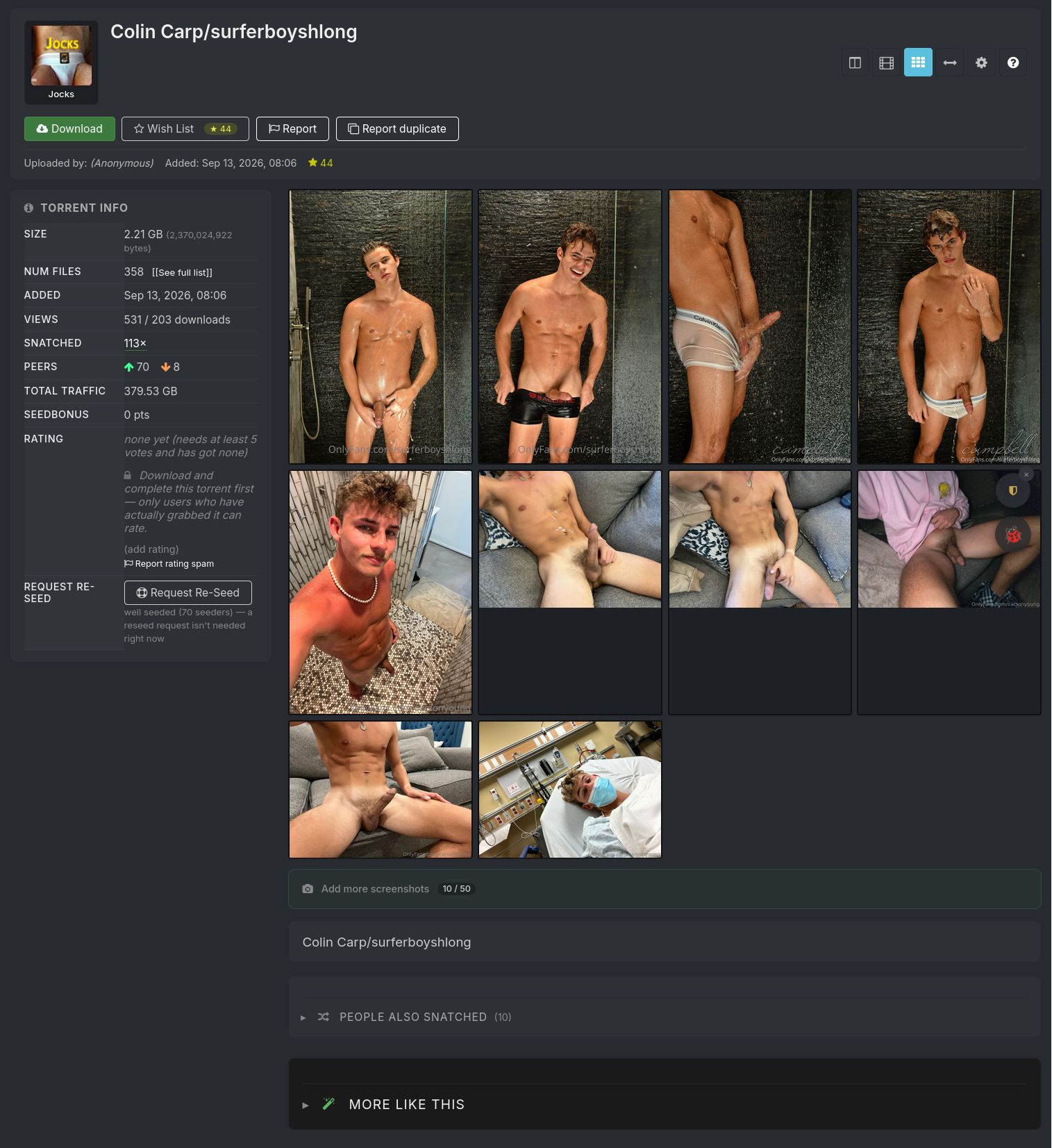
Something like this as a starting point:
-
-
@frostycab Yeah years ago. It was browser based and slow. Not sure how it's now but that put me off.
-
Nothing. Nothing at all. Have various hard drives connected and unconnected, not labeled, no organisation whatsoever... porn anywhere and everywhere... it's a complete and utter mess. Just the way I like it = never know Where or When I'm gonna find anything, keeps things interesting.

-
@eonflux I'm surprised to hear you think it was slow. As long as the drive is spun up it works pretty well for me. It does take a while to indes all the videos and create the supporting files, but I would expect any software to need time for that.
-
@eonflux I'm surprised to hear you think it was slow. As long as the drive is spun up it works pretty well for me. It does take a while to indes all the videos and create the supporting files, but I would expect any software to need time for that.
It was pretty new when it came out but the aspect I didnt like is that everything needed to be done it the browser frontend, but this was years ago. Ill try and look into again. Thanks.
-
@MrMazda Hey I have a really dumb question for you (and for others) where my porn collection is significantly smaller. Do you just use external hard drives, or do you use something like a NAS?
For the NAS, do you manage it through Windows Explorer or speicalized software (does it come with anything, or you use Plex)? Sorry for all of these basic questions, I've always wanted to take the leap every time Black Friday rolls around but always on the edge
I have a most unique system in that especially for torrent activity, I've found that external drives don't last nearly as long, so I have three different computer towers in my basement that are attached to my own internal network (which is quite complex to say the least). One of them runs on Ubuntu 24.04, and shares a rather large drive across the network using Samba, and even uses Winbind so that all my machines on the network (even the ones on Windows) can show up on all sides of the network and in every network location (there are a few... Long story). The other two machines are still running Windows 10 Professional.
In my bedroom in the basement, there's another PC tower that connects to my TV (among other devices). This one does all my torrent activity, and shares a rather generously sized hard drive through Windows File Share. Also in the basement is a third PC tower that I have in a room I have setup like an office. It hosts THREE different different rather large drives (all internal) through Windows File Share. You can either open Windows Explorer and go to the "Network" icon down by the bottom of the left bar and poke through the network shares individually, or make use of the specific file shares using mapped network drives on the other devices.
The result is that no matter which physical machine the drive is located, the contents of the drive are accessible from any device on my network, and even on the DSL network that runs alongside mine through a super custom network bridge. This was done in part because we have an IPTV service on the Amazon Fire TV Sticks in the house for which I host the network storage for the DVR features, however only the Fire TV Stick in my bedroom is physically attached to my side of the network. The result of this little magical bridge is that even if you're recording (or viewing) the IPTV using the DVR feature, the storage may be on my side of the network, but it is still accessible from the other side of the network.
There's a couple friends for whom I have provisioned a Mikrotik router to run as an extension to their regular home network in such a way that for normal network and internet traffic, it just runs on their equipment as it always has, but for traffic that is going to or from my network at home (such as the PCs that have all the porn), their router knows to send the request through said Mikrotik box, which uses a VPN bond into my home network, so as to route the connection through the VPN tunnel, which acts like a bridge, so that although it's running through the internet through the secure VPN tunnel, it works on any device on their network seamlessly as though my system and network resources were directly on their local network.
The added bonus is that when I'm traveling with my laptop, I can VPN tunnel the laptop into my home network from a public WiFi to not only bypass network censorship of that public WiFI network, but also still have the whole collection available to me through the same Windows File Share methods. I could get into a Plex setup or some other such type of setup, but I have the system I'm still using to this day refined down to a fine art that just magically works... From ANYWHERE








Hello! It looks like you're interested in this conversation, but you don't have an account yet.
Getting fed up of having to scroll through the same posts each visit? When you register for an account, you'll always come back to exactly where you were before, and choose to be notified of new replies (either via email, or push notification). You'll also be able to save bookmarks and upvote posts to show your appreciation to other community members.
With your input, this post could be even better 💗
Register Login