Changing video container from FLV to AVI
-
This topic is for Windows users– Win XP, Vista, Win7 (x86).
You guys know, many of downloaders dislike FLV more than mp4. >:D
So if you would like to upload FLV torrent and wish it would get long life, you'd better to consider that.
And I'll tell you, it's not difficult at all.
software:
-
FLV Extract
-
AVI-Mux GUI
setup:
-
1-1. Extract FLV_Extract.zip
-
1-2. You can delete 'Source' folder, if you aren't interested in source code.
-
2-1. Extract My MP4Box GUI v0.5.6.0.7z
-
2-2. Install with Setup.exe
-
3-1. Extract AVI-Mux_GUI-1.17.8.3
extract and mux:
-
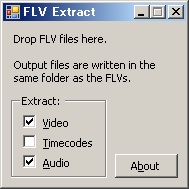
1. Startup FLVExtract.exe
-
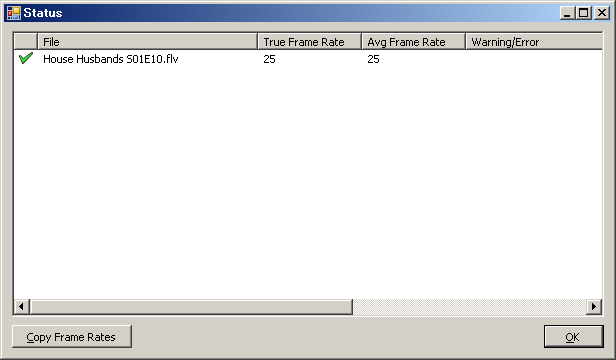
2. Drag and drop flv to FLVExtract's window.
Then you'll got separated video and audio files. -
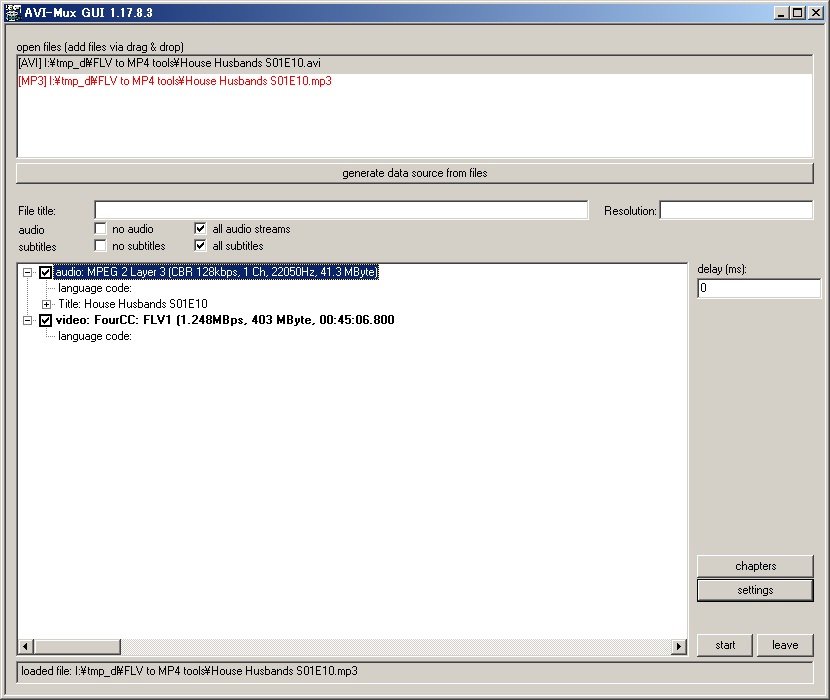
3. If extracted files are avi and mp3, startup AVIMux_GUI.
-
4. Drag and drop both files to upper list-window.
-
5. Click "generate data source from files" button.
-
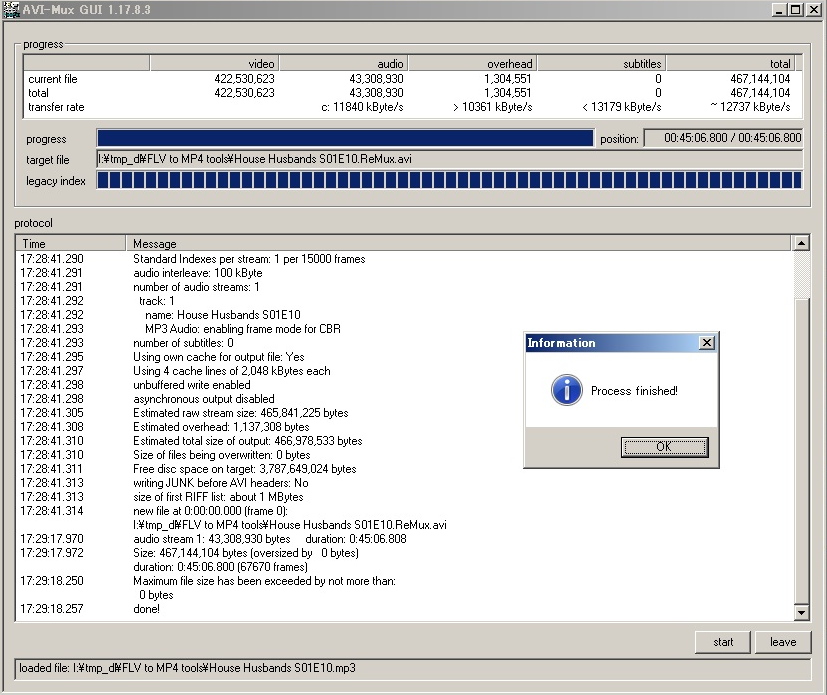
6. Click start button.
-
7. Select folder to save and specify file name.
-
8. Done!
note:
if extracted files are h264/AVC raw file and aac, you need other muxing tool.
I recommend Yamb (GUI for mp4box).
-

Hello! It looks like you're interested in this conversation, but you don't have an account yet.
Getting fed up of having to scroll through the same posts each visit? When you register for an account, you'll always come back to exactly where you were before, and choose to be notified of new replies (either via email, or push notification). You'll also be able to save bookmarks and upvote posts to show your appreciation to other community members.
With your input, this post could be even better 💗
Register Login