How to convert FLV files to quality WMV or AVI, is it even possible ?
-
I have a bunch of clips that I want to convert to WMV or to AVI, I have "Real Media" Converter and it does work to convert them but the quality is so terrible. I have also tried "FLV to VIDEO V Converter" but still bad quality. Is to even possible to get a good copy of these files? ??? There was someone who posted a bunch of files in WMV format that were converted from FLV files from a site I really like called TIMFUCK.COM and they looked awesome but I cant seem to replicate the quailty and I have asked him to post more clips with no reply so I figure I would try doing it myself since I was already a member of that site - I either suck at it or I am using the wrong program/software. Anyone have any ideas on how to get a good clean sharp copy of WMV or AVI from FLV file? I will pay for a good software I dont care. Thanks in advance for any advice guys ! :thx:
-
I have yet to find a way to get decent quality converted videos from FLV.
-
SUPER (freeware) usually does an excellent job at conversion.
hXXp://www.erightsoft.com/SUPER.html
Keep the final frame size the same as the original.
As always, the higher the bitrate, the better the quality.
(of course, you can't improve on the original.) -
Thanks for the info twinkletoes. I have tried countless conversion software packages over the the years, but I've not found one that effectively does FLV to other formats. Btw 'ZC Video Convertor' (I assume their website still does a free version … videoxdvd.com) is a great convertor for various formats, although it also struggles with FLVs.
-
Thanks for the info twinkletoes. I have tried countless conversion software packages over the the years, but I've not found one that effectively does FLV to other formats. Btw 'ZC Video Convertor' (I assume their website still does a free version … videoxdvd.com) is a great convertor for various formats, although it also struggles with FLVs.
You're welcome, martini20!
Another great general tool is "Total Video Converter", but it's not freeware
hXXp://www.effectmatrix.com/total-video-converter/index.htm -
Avidemux is powerful, cross-platform (Windows, Mac, Linux), and free.
hXXp://fixounet.free.fr/avidemux/
-
SUPER (freeware) usually does an excellent job at conversion.
hXXp://www.erightsoft.com/SUPER.html
Keep the final frame size the same as the original.
As always, the higher the bitrate, the better the quality.
(of course, you can't improve on the original.)I was about to post this. This program is the GO-TO program for me for all my conversions.
-
I use Quick Media Converter by Cocoon Software. This is available as a free download via trusted sites like CNet. This will convert most video and audio formats, and allows you to resize, change the bitrate, etc. even in simple mode. There is also an expert mode which lets you further customize and fine-tune your settings. Useful for both video and audio conversions.
-
Today most flv digital file container format files contain video streams encoded MPEG-4 AVC (aka MPEG-4 Part 10 or h.264), which is a rather efficient codec.
Remark: It is quick to check which streams are contained in a media file using the free "MediaInfo" utility.
In that case, best would be a stream copy into another digital file container format, e.g. mp4 or mkv. This is lossless (to the source fvl), because it doesn't require the lossy decoding and re-encoding steps and in addition much faster.
Both erightsoft "Super" and the free "AVI Demux" allow stream copies. My preference would be to use AVI Demux, though.
-
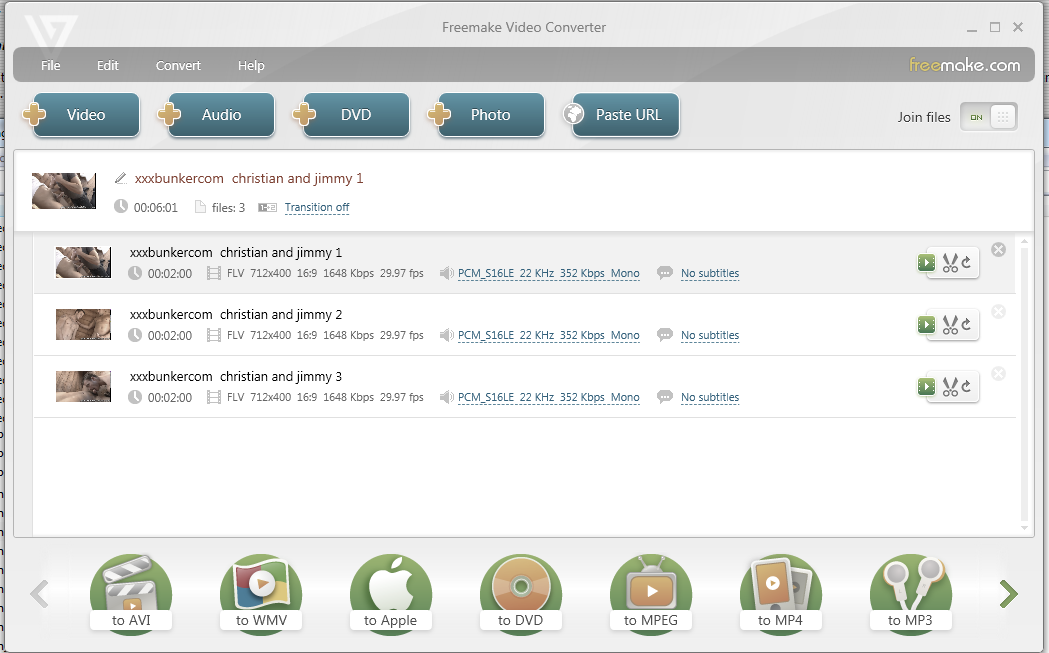
While AVI demux is excellent, and I use it a lot, for the beginner it can look daunting. I've tried most converter progs but the one I've kept and use for all one-click jobs, is Freemake.
http://anonym.to/?http://www.freemake.com
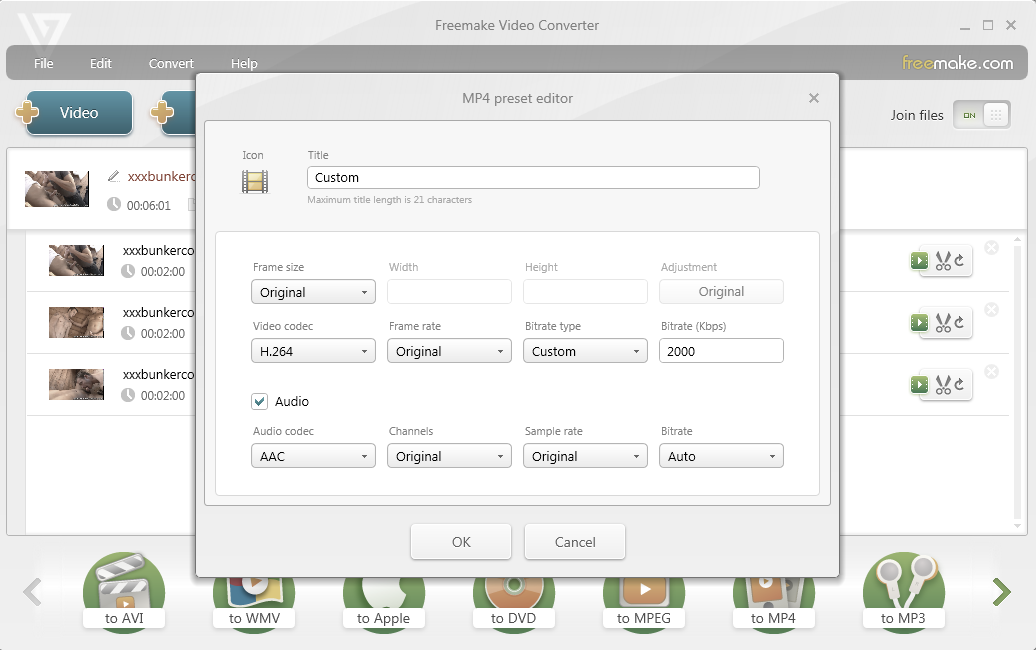
It has quite happily dealt with all my flv conversions - my media player, BR player and TV all completely ignore FLVs. In Freemake, I leave Frame Rate and Frame Size at default/original settings (matching the original file) and simply adjust the bitrate according to my needs. If you have a series of flv clips (or clips in any other format) Freemake will also quite happily join them together seamlessly. I like that.
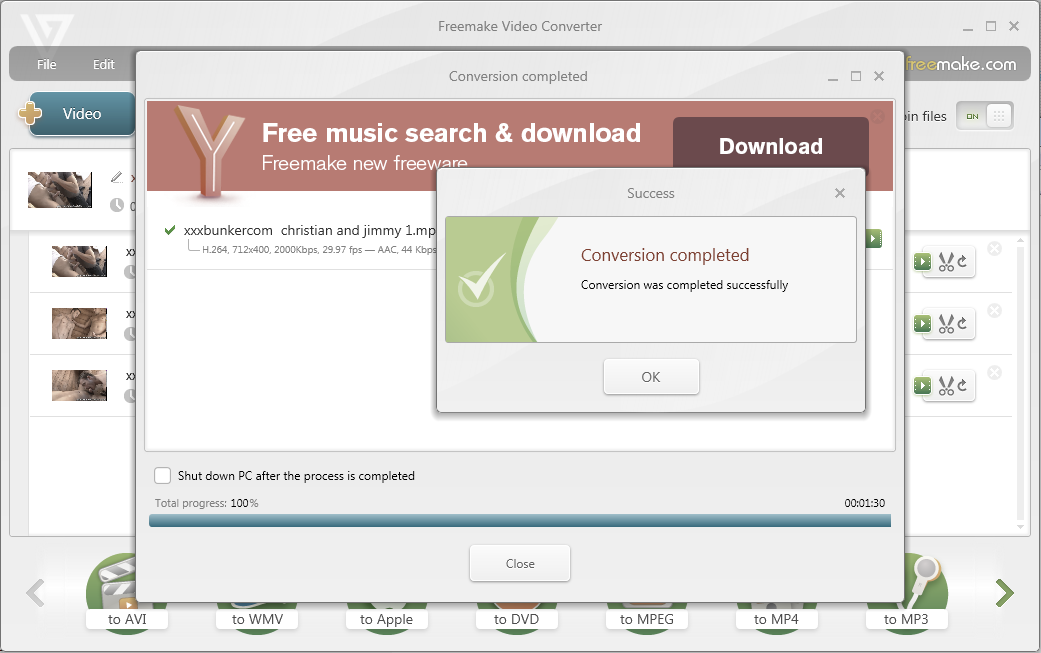
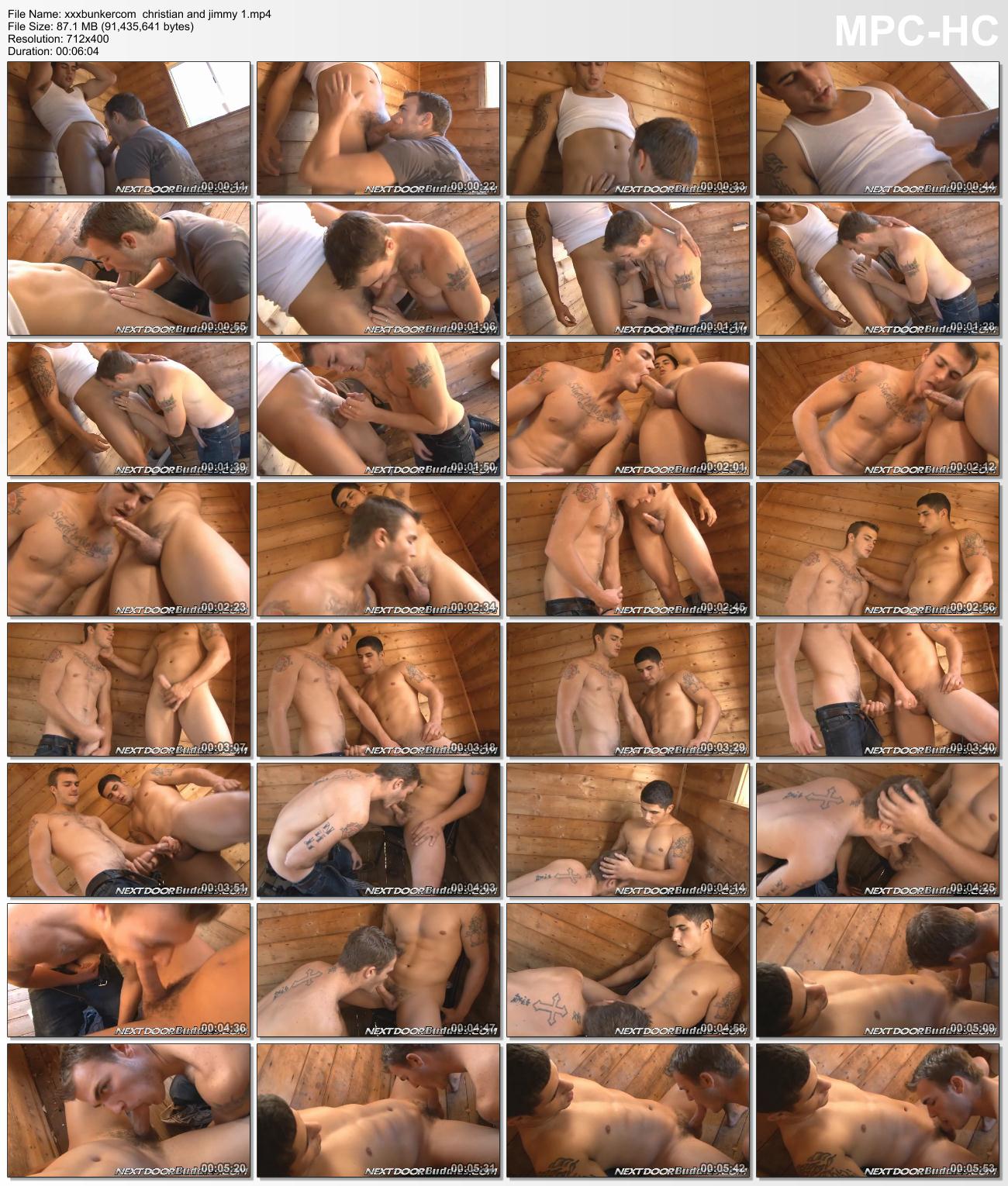
Example pics attached: Three flv 'trailer' files for Jimmy Coxx and Christian Wilde taken from a freebie site. Freemake joined and converted them to an MP4 in a matter of a few minutes. Screenshots included.
Edited for grammar!
-
I should have added the usual caveat when installing free software - avoid the unwanted addition of browsers/toolbars/3rd-party software by making sure you untick the right boxes during the install process.


Hello! It looks like you're interested in this conversation, but you don't have an account yet.
Getting fed up of having to scroll through the same posts each visit? When you register for an account, you'll always come back to exactly where you were before, and choose to be notified of new replies (either via email, or push notification). You'll also be able to save bookmarks and upvote posts to show your appreciation to other community members.
With your input, this post could be even better 💗
Register Login