How to play anime games
-
Can someone please give me instructions as to how to play the anime games. I guess I need to download something, but have no idea as to how to accomplish.
-
Can you be more specific? Which game are you trying to play?
-
@Kekkaishi Thanks for the question. Really any of them, as I've never tried. My first attempt was "small on top". I also tried "DILF Chronicals, SnowSurferGames".
-
 R raphjd moved this topic from GayTor.rent Support Discussions on
-
@dalesc I am not here to police, but are you torrenting games or buying from Steam? Even I torrented some gay anime games and was able to play them. I do it very rarely, but still
-
usually it has readme files. u need to follow instructions if u mean torrent games
-
@jokuihmemies Can you send me a link to one of the games you are trying to play? I will check it myself
-
-
I managed to start the game successfully it seems.
-
Download the file
-
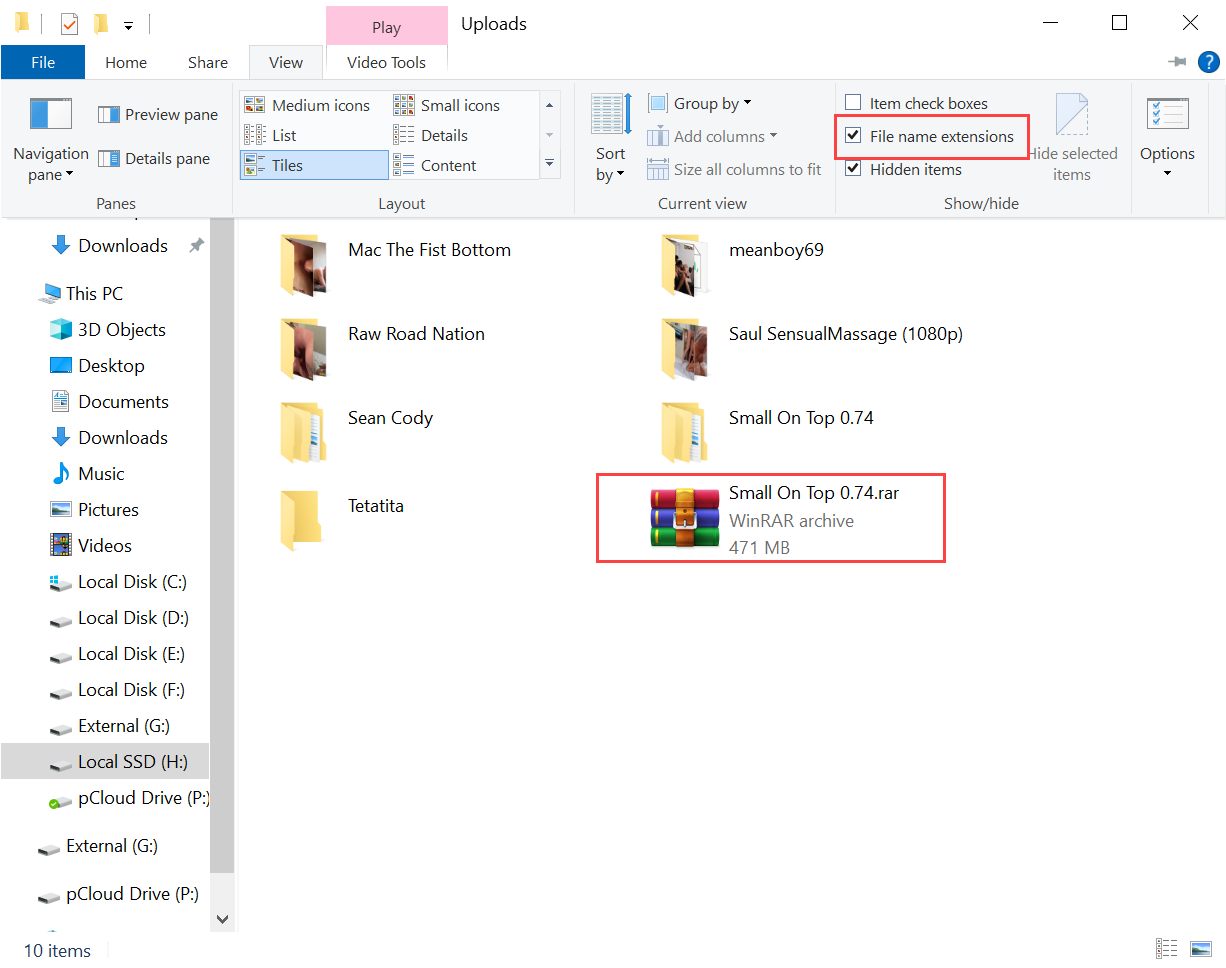
Change the file extension name from "rarret" to "rar". Use the checkbox to enable file name extensions (if not already enabled), then change the file name as shown below.
-
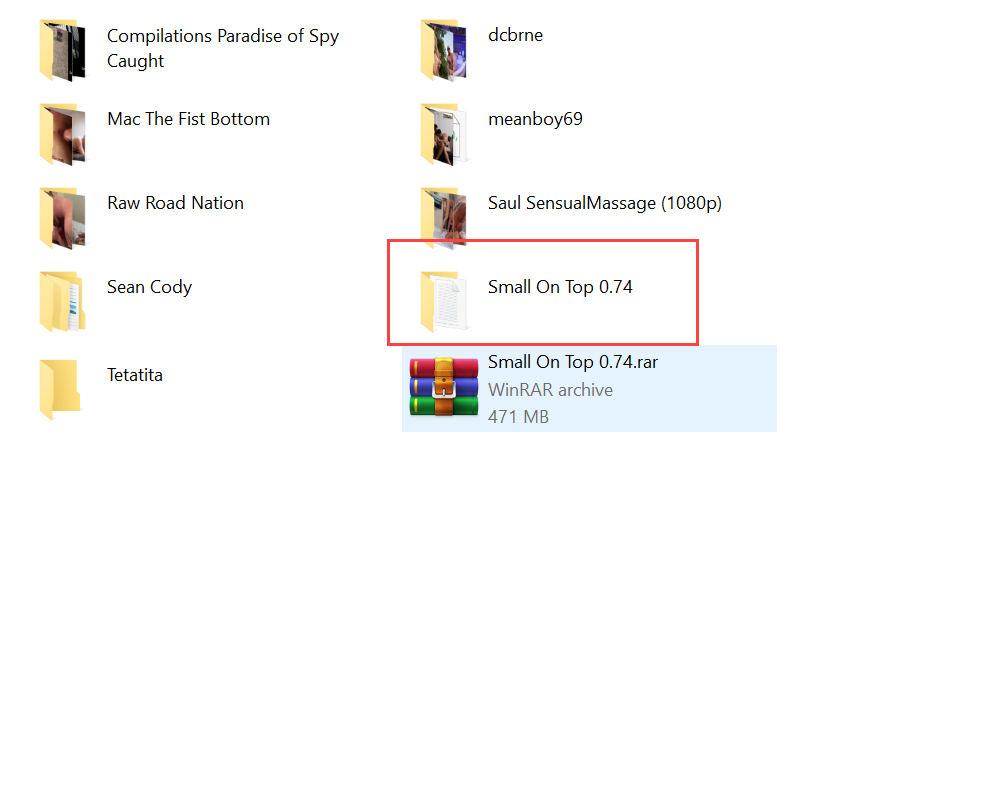
Extract the winrar file. It will extract it to a folder with the same name: "Small On Top 0.74".
-
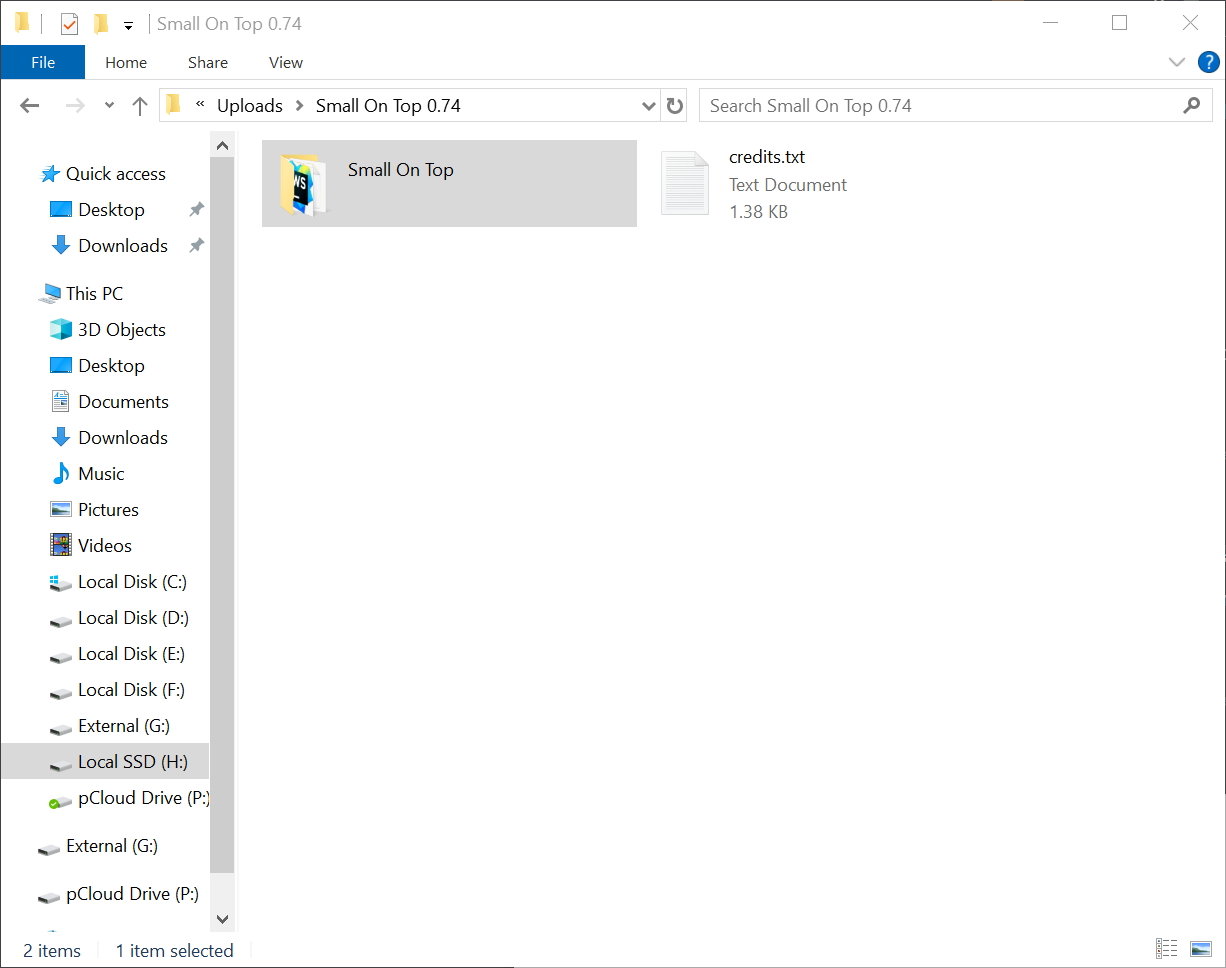
Open the folder and inside another folder: "Small On Top"
-
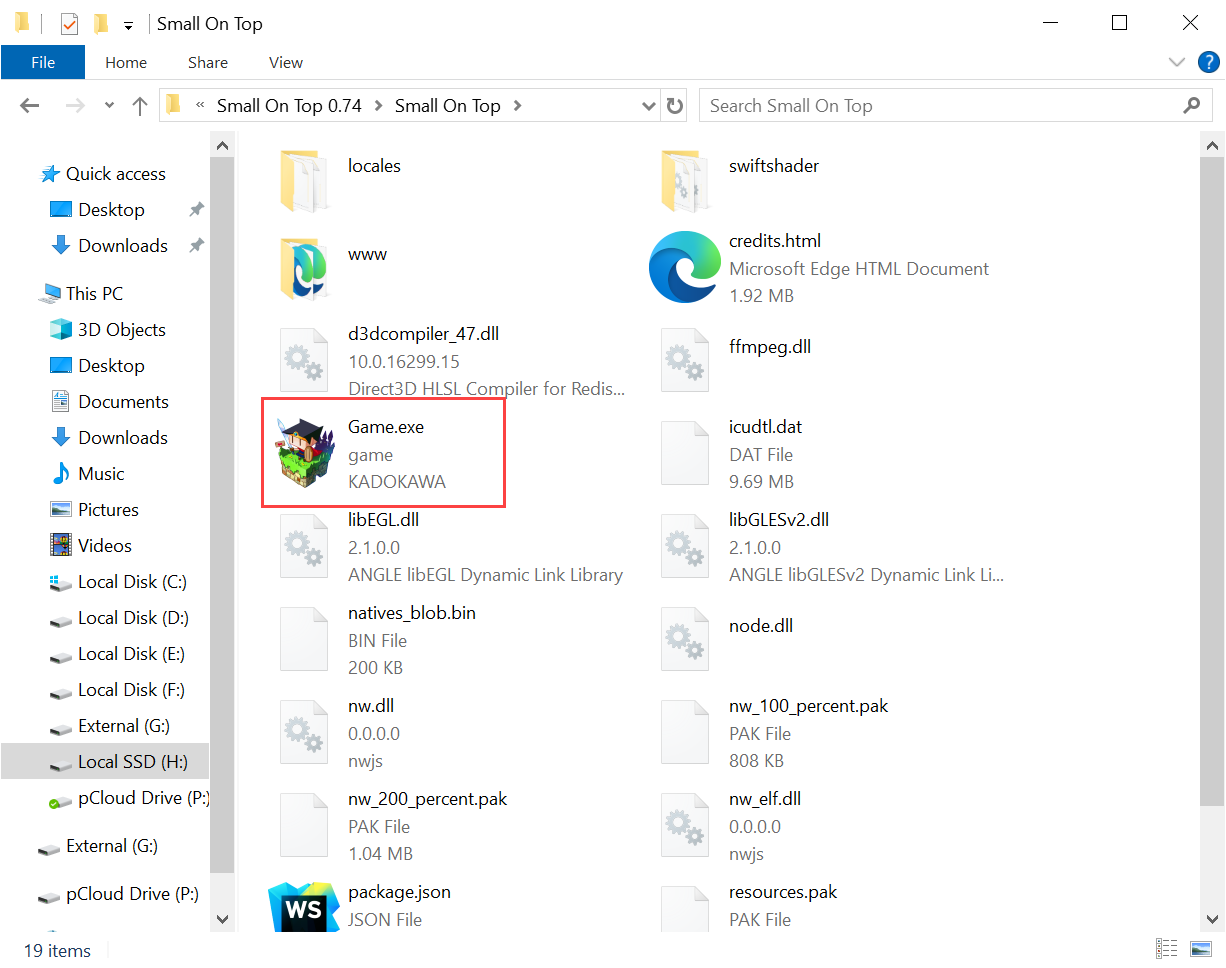
And inside that folder you will see Game.exe
-
Finally, click on the exe file to launch the game
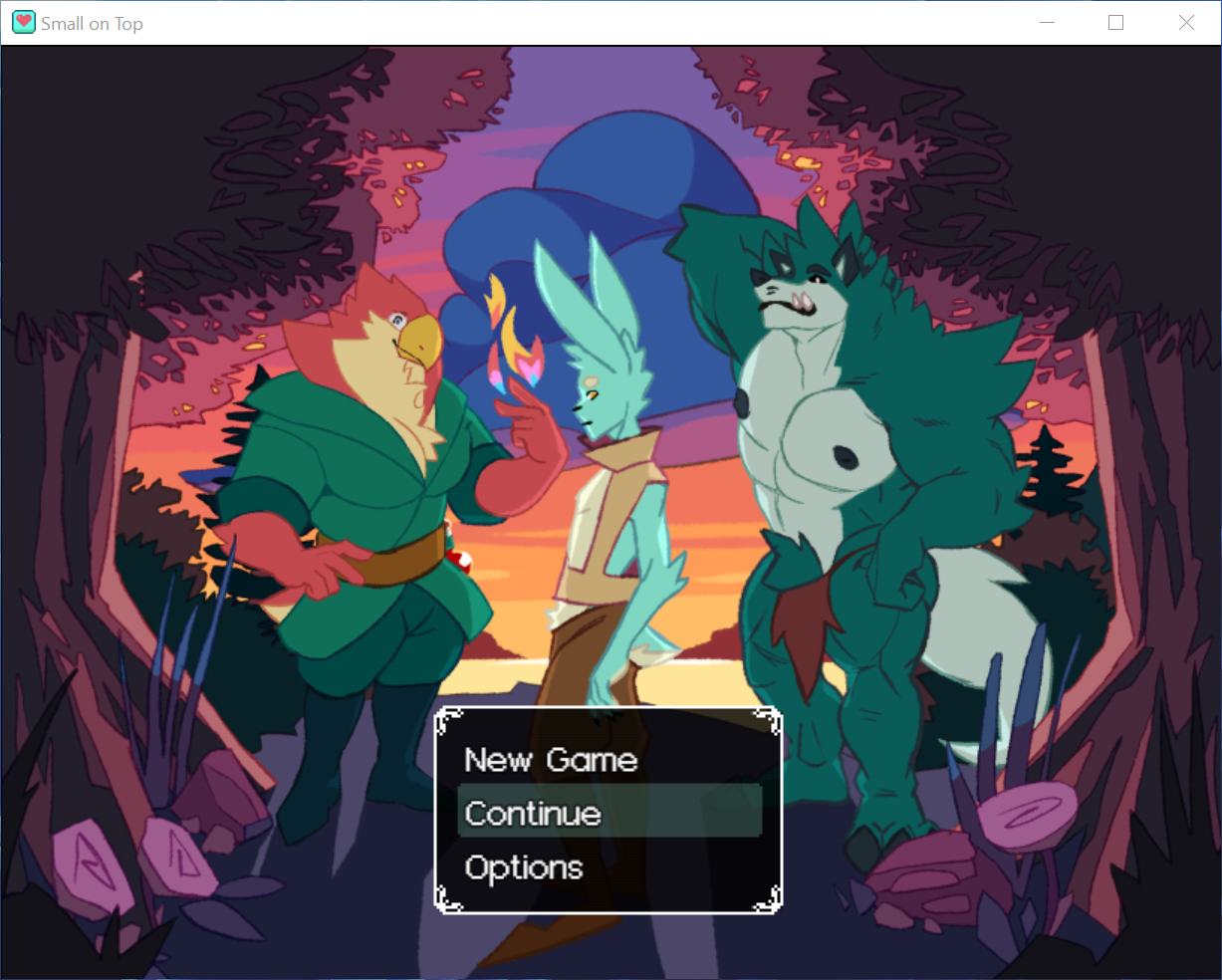
-
-
@Kekkaishi Thank you so much for your help!

Hello! It looks like you're interested in this conversation, but you don't have an account yet.
Getting fed up of having to scroll through the same posts each visit? When you register for an account, you'll always come back to exactly where you were before, and choose to be notified of new replies (either via email, or push notification). You'll also be able to save bookmarks and upvote posts to show your appreciation to other community members.
With your input, this post could be even better 💗
Register Login