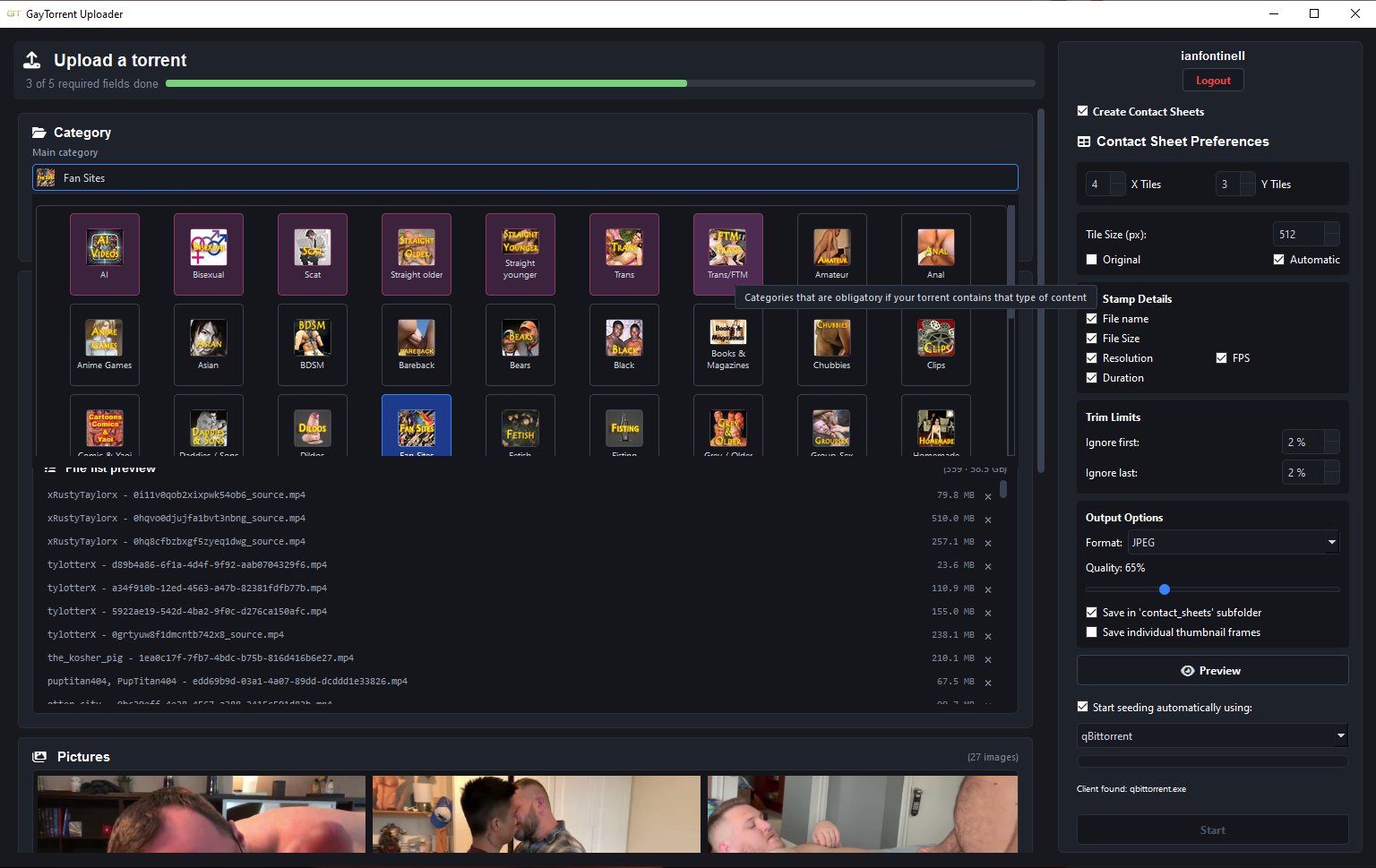
• [Software Release] GayTor.rent Upload Utility

    Pinned guu upload torrent qtm quicktorrent
    144
    1
    1 Votes
    144 Posts
    2k Views
    weirdthallW
    @Joker Thanks Joker and @ianfontinell
  • [Tutorial] Optimise your settings for seeding

    Pinned Moved
    3
    4
    0 Votes
    3 Posts
    475 Views
    erikiwiE
    Thank you!
  • 0 Votes
    2 Posts
    428 Views
    S
    ;D ;D  Thank you so VERY much for this post.  I just downloaded it last night, and now I have been using it to build contact sheets for all of my folders.  You seriously rock for finding this program.  Thanks again so much.
  • 600 BONUS POINT AWARD FOR YOUR FIRST UPLOAD!!! DETAILS HERE:

    Pinned
    10
    0 Votes
    10 Posts
    639 Views
    JokerJ
    @user1971 done, the 600 points are on your account now. Have a look, your bonus balance should have jumped. The reason you could not find a link to claim it is that there is nothing to claim. That award is not something you apply for. It is handed out by staff from the Thanks box on your torrent's own page, it comes out of the site's pocket rather than anyone's personal balance, and it can only ever be given once per member. So there was no broken link, just a step that happens from our side and nobody had got to yours yet. For what it is worth, your upload earned it. On the other thing you mentioned, not being able to open a helpdesk ticket: I checked your account and there is nothing on it that would block you. Nothing is flagged, restricted or limited, so that should work. If you try again and it still refuses, tell me what you see, the exact wording or a screenshot, and I will chase it. I would rather find out it is genuinely broken than assume it was a one-off.
  • QTM (Quick Torrent Maker) Installation, Advice, Known Issues

    Pinned Locked
    1
    0 Votes
    1 Posts
    536 Views
    No one has replied
  • 0 Votes
    2 Posts
    1k Views
    1
    error on internetWritefile 12002
  • HOW to be the "winner" of that race to be THE FIRST UPLOADER!!!

    Pinned
    3
    0 Votes
    3 Posts
    254 Views
    ?
    There was an exciting movie that I wanted to be first to upload, so I turned on QTM and filled in all of the relevant information and pictures but waited until it finished downloading from the source. Did a quick check to ensure it played and had the correct subtitles and time as listed, then hit that button. That was fun! Someone else did upload the same movie within a very short time, but with a different file format and size - so we both won anyways 
  • Cover shots for different view settings

    4
    0 Votes
    4 Posts
    30 Views
    8
    @ianfontinell Thank you! Worked perfectly
  • GayTorrent Uploader - New tool for Windows users

    7
    5
    1 Votes
    7 Posts
    112 Views
    JokerJ
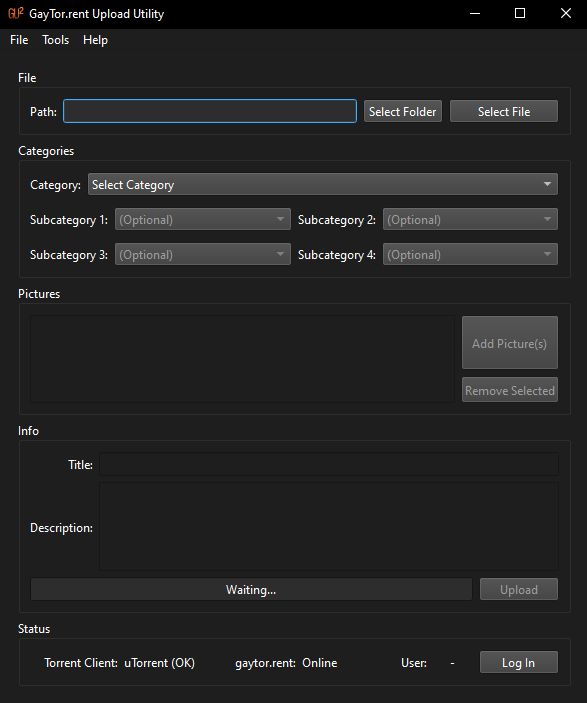
    Quick update: ianfontinell kindly handed this tool over to us, so it now has an official home and a new name, Gaytor.rent Uploader, and it runs on Mac too. Downloads and details: https://community.gaytor.rent/topic/70345 Thanks a lot, ianfontinell! Joker
  • Gaytor.rent Uploader: desktop upload tool for Windows and Mac

    1
    2 Votes
    1 Posts
    28 Views
    No one has replied
  • CSRF token invalid or missing

    2
    0 Votes
    2 Posts
    44 Views
    JokerJ
    Hi premier, sorry this sat here so long. That message meant your login session had changed while the page with the message box was still open, so the send button still carried an old security token. We fixed this on 31 July: if it happens now, the site refreshes the token by itself, tells you nothing was sent and keeps your text in the box, so you just press send again. Joker
  • Pic Cap 5 or 10 per Torrent?

    Solved
    6
    2
    0 Votes
    6 Posts
    48 Views
    geauxkG
    @ianfontinell "Once again I'd like to remind everyone that it's not mandatory that you speak." You're appreciated, but I received the clarification I needed.
  • Help with uploading

    2
    0 Votes
    2 Posts
    49 Views
    MrMazdaM
    Uploading from a phone (at least in terms of a new torrent) is incredibly difficult as most torrent clients will not generate the .torrent file you need to be able to actually submit the upload. Unless you can do it through your mobile browser using the new methods that are now available, I'm not aware of any way of doing it with a mobile device.
  • Concurrent torrent seeding limit?

    5
    0 Votes
    5 Posts
    31 Views
    MrMazdaM
    As far as the site goes, there is no limit on the number of torrents you can seed. If you have a torrent active for which you have not downloaded 100% of ALL the files, it will register as leeching, but there is one thing to be aware of... When you first start such a torrent, it will register as leeching and at first, it will count towards your maximum number of simultaneous downloads. Once the system sees that no download activity has happened over a 45 minute period, it will still show that it is leeching, but it will fall into a "stalled" state. When this happens, that torrent no longer gets held against your maximum number of simultaneous downlaods. I suspect the error that you're getting is coming in from these incomplete downloads that your torrent client will show that you are seeding the parts of that you have downloaded. If this is the case, waiting about 45 minutes for them to fall into a "stalled" state will make this error go away.
  • Upload

    1
    0 Votes
    1 Posts
    29 Views
    No one has replied
  • Having trouble seeding all of my torrents.

    5
    0 Votes
    5 Posts
    43 Views
    MrMazdaM
    @ianfontinell CG-NAT is only the norm if you're on a cellular connection, or if you're in certain parts of the world such as the Phillipines. There's a BIG difference between a regular plain old NAT and a CG-NAT. With a regular NAT, there's only ever one address translation, and it happens at the point where your router connects to your ISP. So for example... Your ISP gives your internet connection an address, say 1.2.3.4, then on your home network, you're running 192.168.1.0/24, and your particular computer uses 192.168.1.100, and that your torrent client uses port 22791. When a connection request is sent to 1.2.3.4, it will make it all the way to your router before it gets dropped because your router doesn't know explicitly where to send unsolicited traffic for that port. When you port forward, when the connection makes it to your router, it knows that traffic coming in on destination port TCP or UDP 22791 is to be forwarded to 192.168.1.100. This is commonly referred to as a Destination NAT (Network Address Translator). As well, when any device on your network such as your PC makes a connection out to the internet, it identifies to your router as 192.168.1.100, but before your router passes the packet out to your ISP, the SNAT (Source NAT), it translates the source address to 1.2.3.4 so that your ISP and the internet know where it comes from. With a CG-NAT (Carrier Grade Network Address Translator), there's an extra step involved whereas you still have the IP address 1.2.3.4, which is what the internet will see, but then due to the lack of availability of IPv4 addresses (as there's only so many of them around the entire world), there's a second private layer network in the middle. So when the connection makes it to 1.2.3.4, your carrier router drops the packet, because it does not know which of the many subnets on the internal network beyond that CG-NAT the connection is supposed to be sent. Outgoing connections work in a very similar way to having a double NAT. Your PC will still have the same 192.168.1.100, but before your router passes it to your ISP's router, it changes it to say 10.201.176.24 to pass through that seemingly invisible link between your ISP and the actual internet. It is only when the connection makes it to the actual internet that your ISP's CG-NAT then converts it to your public 1.2.3.4 before passing it out to the internet. This is done so as to be able to pool a far greater number of either end-user devices, or entire customer connections behind a single IP address shared across multiple connections, devices, or customers. The problem here is that while you can control the port forwarding between your end of your ISP's private link and your network, the other end of your ISP's network before it links into the internet itself generally cannot be configured to forward such connections. The end result is that port forwarding in this situation becomes impossible, and the only solution for proper incoming connection routing to get to your PC becomes a VPN. This is where IPv6 comes in handy and sooner or later, will eventually replace IPv4 entirely. With IPv6, you can fit literally every single IPv4 address in the entire world into a /96 block. The "standard" for IPv6 for the standard SLAAC setup to work is a /64 block, which actually has a little more than twice the number of IP addresses as ALL of IPv4. You can in theory break the block down into smaller blocks, but this usually requires super custom and often static configurations, as it breaks standard functions like SLAAC. Now here's the amazing part about IPv6. A /64 block is about twice the size as ALL of IPv4, but yet the standard for an ISP to issue to any one given end-user connection is a /56 block. For perspective, the "standard" /56 block is capable of holding up to 256 different /64 blocks, each one of which holds about 2x the size of ALL of IPv4 addresses. Also, by comparison, the "standard" for a home network on IPv4 is a /24 subnet, which holds exactly 256 IP addresses, of which, only 254 are actually able to be used because you need a base address at the beginning of the subnet (in this case the .0) as well as a broadcast address at the end of the subnet (in this case, the .255). If you need more than 254 devices on your home network including your router, your only other option is to break it down into a larger subnet (such as a /16), or you have to start subnetting to hide one or more other subnets behind a router on the /24 subnet. With IPv6, this is simply not the case, and the only time you really need to subnet at all is if you have multiple legs of a network across multiple interfaces on a "real" router. There are about 3.4 BILLION IP addresses in all of IPv4, of which, that single /64 block that is usually the only thing to get used in the /56 you get assigned holds approximately TWICE the amount. So there's a part of me that kind of can't wait for every provider in the world to finally fully roll out IPv6, and eventually just abandon IPv4 completely because it will make CG-NAT a thing of the past.
  • Seed uploads not tracking?

    10
    0 Votes
    10 Posts
    76 Views
    MrMazdaM
    There is another layer of things to add as well. If you're using IPv6 as well, most routers need a little special tweaking. Specifically, there is no port forwarding for IPv6, but because of this, most routers that are running a dual stack mode will have a restriction whereas outbound IPv6 traffic is allowed as a blanket policy, but only connections that are related to an existing outbound connection are allowed by default. This is to prevent your computer from being directly exposed to the internet. The trouble with this is that means that connections to your torrent client on IPv6 end up getting classified much the same as IPv4 without any port forwarding. The solution for this is to tweak the firewall of the torrent to allow incoming connections on the port your torrent client uses. On some routers, you can cheat and just enable any connection that uses the port your torrent client uses as a destination port. This is usually the easier option due to the nature of how IPv6 changes every time you connect to the internet, and sometimes, even while you're connected it will change sometimes. Just some food for thought
  • Other people adding screenshots that don't come from the torrent files

    11
    2 Votes
    11 Posts
    62 Views
    MrMazdaM
    @8xllrs2 Yes... You can report the torrent, you can write to the helpdesk with the URL of the torrent and explain the issue, or you can shoot me a message either by DM or through the forum. Any one of those 3 methods will work.
  • 1 Votes
    7 Posts
    45 Views
    I
    @ianfontinell Thank you.
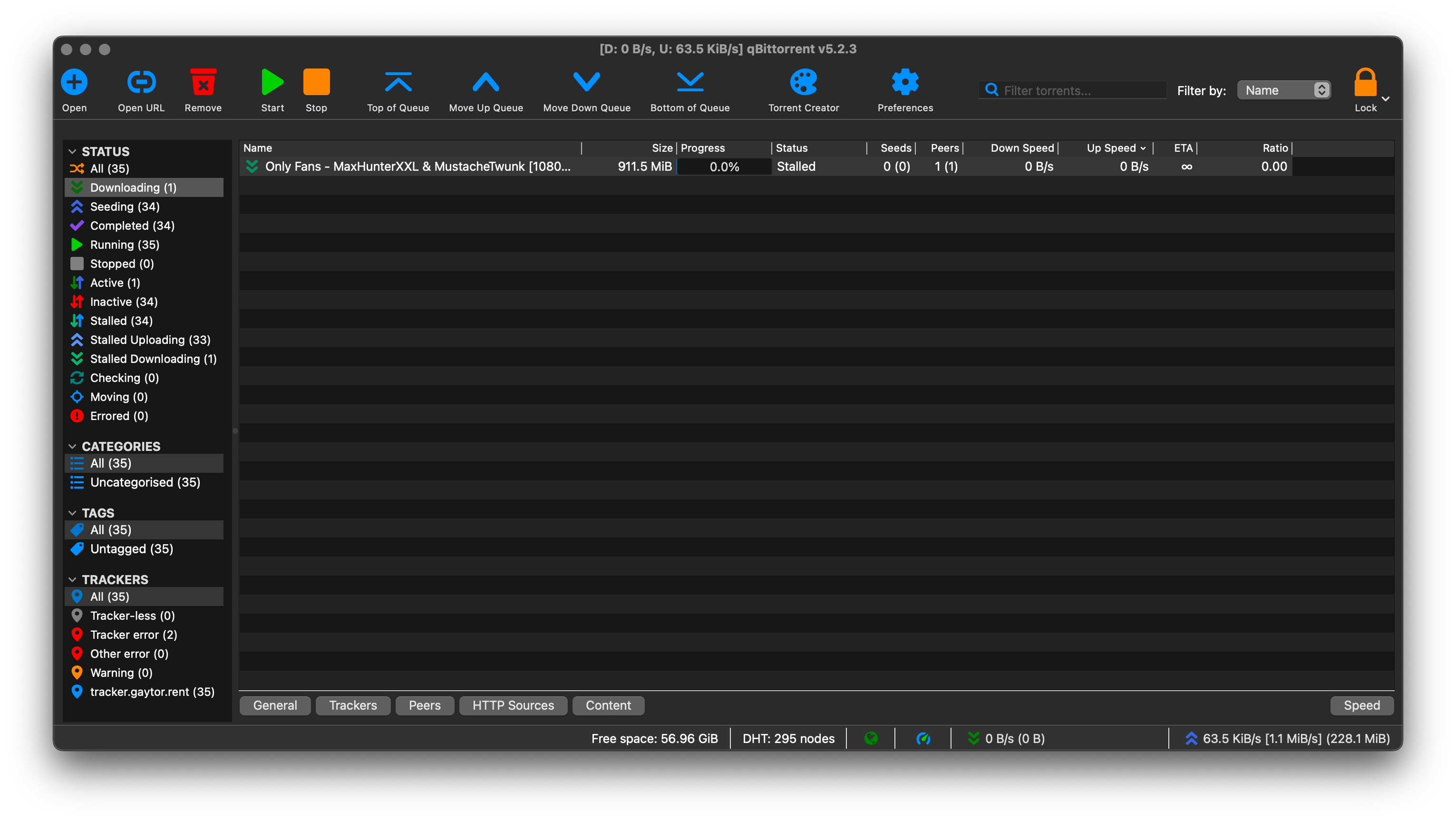
  • Trying to upload but it keeps saying "Stalled" under status

    6
    2
    0 Votes
    6 Posts
    37 Views
    N
    It's working now!