Whats your Download Upload Speed??
-
really?
I didn't know, thanks!
maybe I should tell as well to the other people who lives in the same household to stop using their internet programs?
-
really?
I didn't know, thanks!
maybe I should tell as well to the other people who lives in the same household to stop using their internet programs?
Yes, if they will listen to you. -lol
If not, yank a few cords out :P…
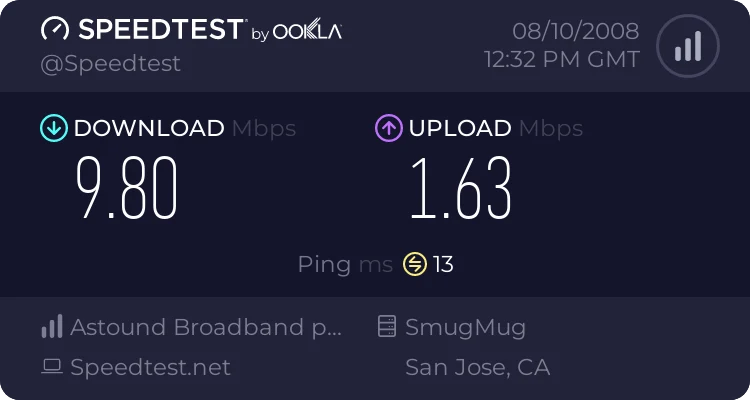
Paging dokun :)…
-
need to get a new irony meter.
-
An Error Has Occurred!
The upload folder is full. Please try a smaller file and/or contact an administrator.lol
-
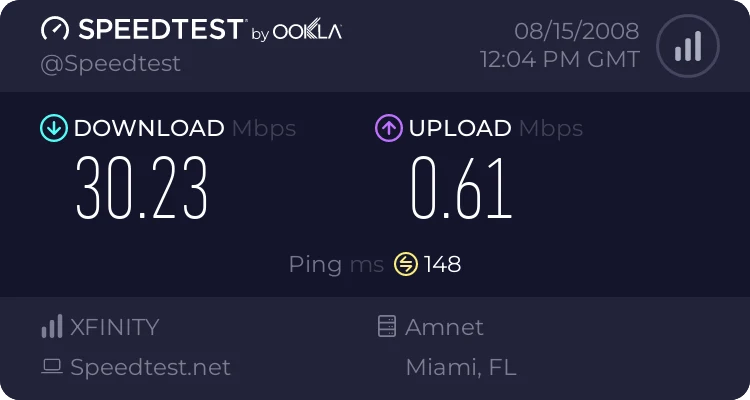
I seem to possibly have more download power when I am seeding 17 torrents. lol -
-
My download speed is 2688 kb/s and my upload speed is 262 kb/s latency is 130 ms Vancouver < 50 mi
Second test I"ll use the link:
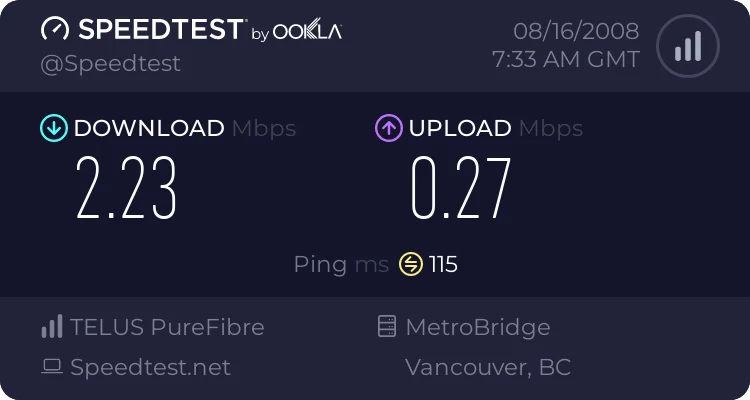
Now to figure out what this means in terms of seeding a new torrent.
Cheers,
RimmerDawg -
it says, "there's no server in your area", then offered me to click the recommended server which belongs to a rival company!
weird.
??? ??? ???
-
it says, "there's no server in your area", then offered me to click the recommended server which belongs to a rival company!
weird.
??? ??? ???
doesn't mean it is weird because it is a "Rival" company- in the US lines are primarily owned by ATT (Copper / DSL / Analog) regardless of who your service provider is.
Also, it may just be a server that it can run a test to.
-
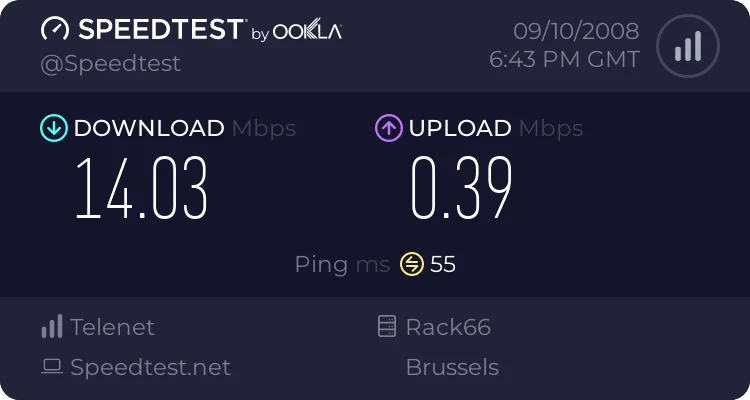
15 Mbps download, 512 kbps upload, cable
-
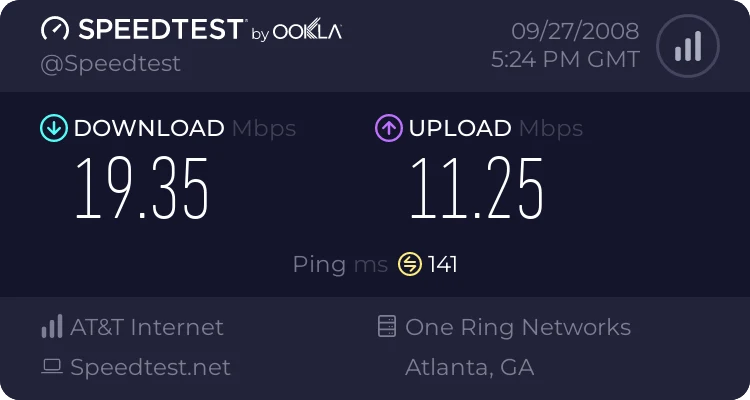
With 18 torrents seeding ;D
-
Hi

These speed test sites are VERY unreliable. I found out about that as soon as i had completed setup of the leased line system at my offic and wanted to test if we get the speed the ISP promised. Using the "speedtest.net" site, i got roughly a QUARTER of what we were supposed to get, regardless which region/server i chose.
On the phone with the ISP, they told me NOT to use any speed-test kind of website, but something more reliable - BIT TORRENT. No joke.
So i started downloading a well-seeded (and leeched) movie off Isohunt and within 15 minutes i knew that we get the proposed speed, exactly to the bit.
Right now, at my place, according to speedtest.net i get 984 kbps down, 329 kbps up (all torrents stopped). With a bunch of torrents from various sources active i get about 1480 kbps down and at the same time 405 kbps up - which is because i have throttled uTorrent to max. 50 kB/s upload. Again, this is with a number of torrents being connected to peers all over the place, while speedtest.net tests the connection between YOU and ONE place - and if there's water in the line or that server is busy, you seem to get slow speeds while in reality you get a lot from your ISP. My line btw (if you wonder why it's s much slower than yours) is a 1.5M/512k ADSL, private people can't get much more in Thailand (we have 2M/512k as well).
And before someone wonders again and thinks i'm some sort of cheater re: my ratio, i am NOT seeding here from home, but use a "seed line" with a dedicated computer at my office, seeding on one of the IP's of that leased line there which is to 90% under-used and my boss told me to "keep it busy", and what's a better way than seeding torrents
Best regards….
Thanh
-
Mine is about 8Mbps/1Mbps, and I didn't know it until I found out my internet provider upgraded my speed. Thanks to them, I've been able to upload more and boost my ratio
-
My download is around 6.5 Mbps and my upload is about 0.5 Mbps.
Pretty standard for ADSL. Unfortunately I can't get cable in my area yet, so I'm going to have a poor upload speed for a while to come.
-
True but a more pertinent question is what bt client do you use and what kind of d/l and u/l speeds are u getting - wish I could figure out how to get a screen shot of my bt status screen to show that I am getting only a SMALL percentage of my ISP allocation…and if u do the test with your bt client running u get a loss!!!!
268 kbps down and 68 up on speedtest.net test just now and on my u torrent:
getting 53kbps u/l only seeding one torrent
So - I'm doing pretty good wihin my total u/l allocation and that's what you need to consider
But....
My ISP sucks and there isn't much to do about that...so in the end you are limited by that...I could u/l faster but not with this isp
Of course d/l is a different thing and is typically faster
But both depend on peer -
Just tested mine 50.37 Mbps down 9.84Mbps up and that with the computer pulling and giving heavily during the test !!! XFinity Blast it is called from Comcast !!!
-
About 6MB/s down and 1MB/s up
-
:surprise:
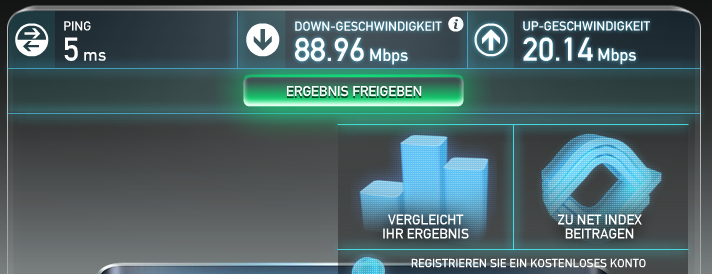
-
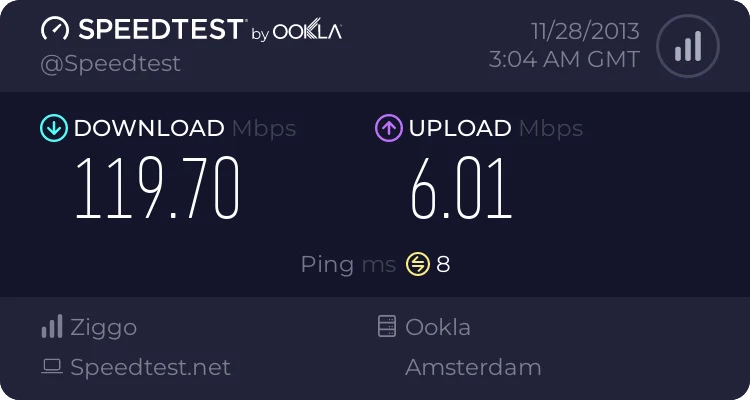
-
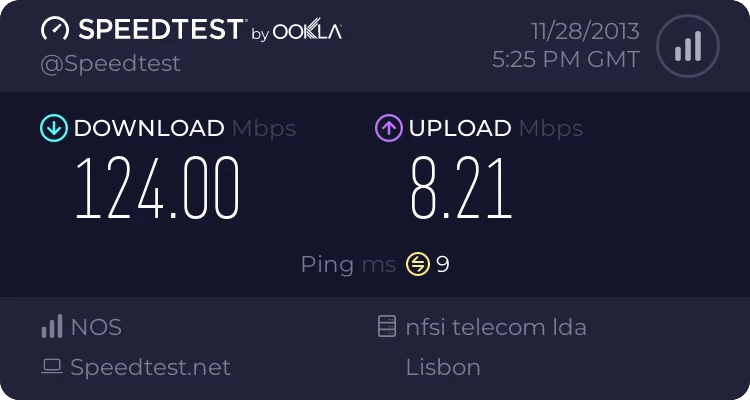





Hello! It looks like you're interested in this conversation, but you don't have an account yet.
Getting fed up of having to scroll through the same posts each visit? When you register for an account, you'll always come back to exactly where you were before, and choose to be notified of new replies (either via email, or push notification). You'll also be able to save bookmarks and upvote posts to show your appreciation to other community members.
With your input, this post could be even better 💗
Register Login