Testing
-
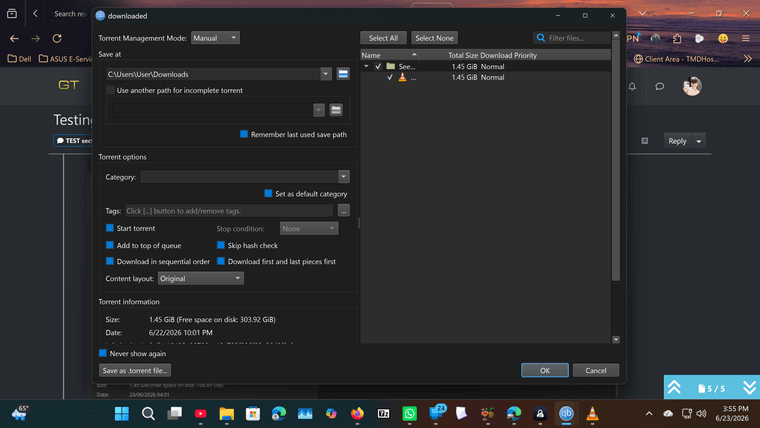
@Kevin4fm it doesnt have the name of the file
-
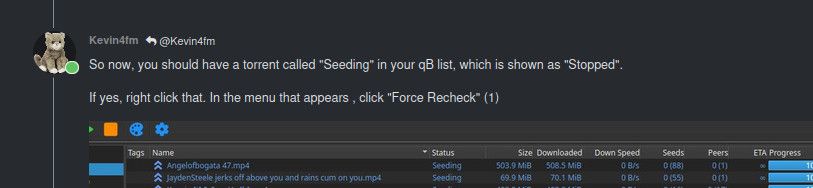
So now, you should have a torrent called "Seeding" in your qB list, which is shown as "Stopped".
If yes, right click that. In the menu that appears , click "Force Recheck" (1)
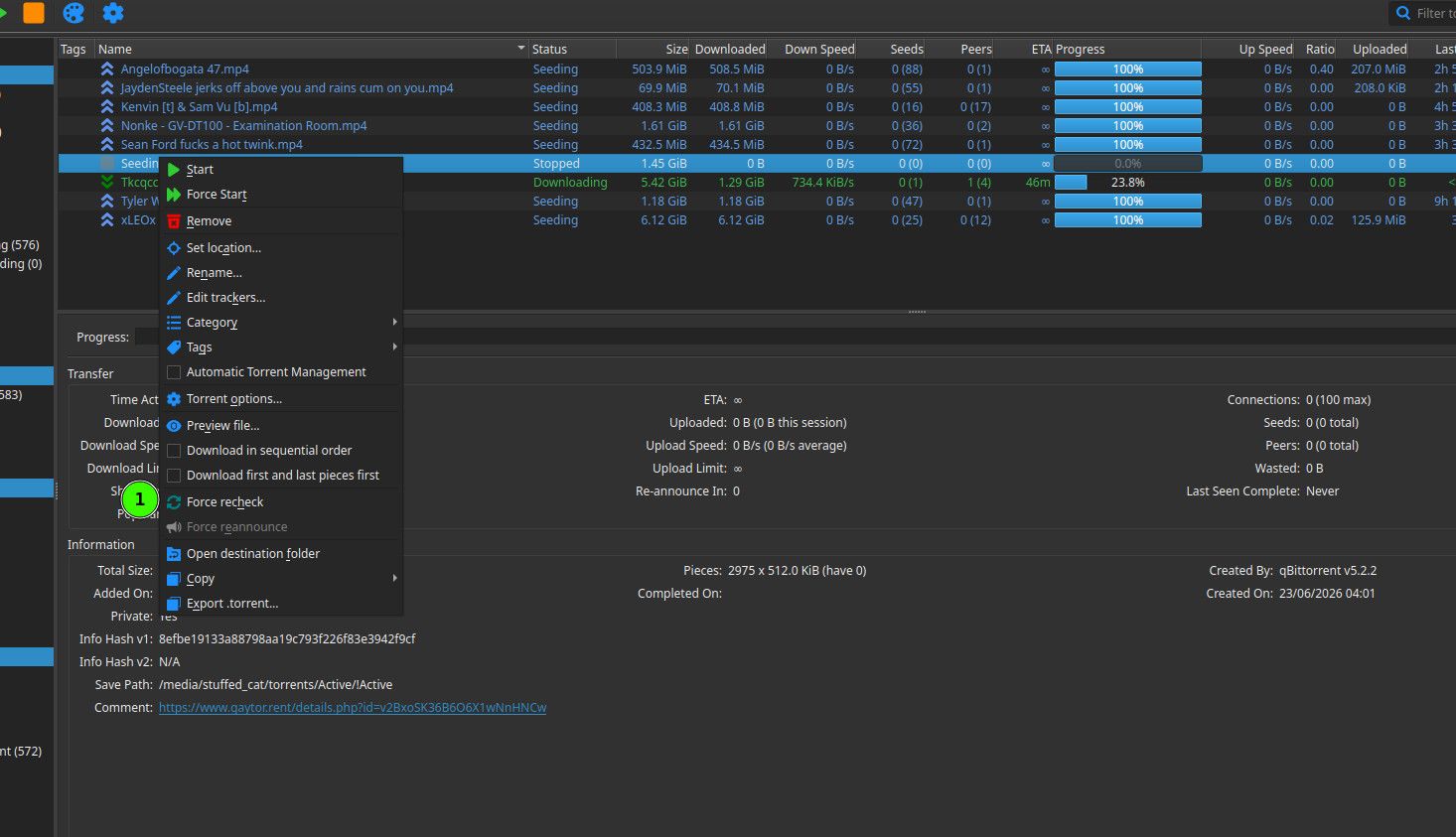
If it didn't show as "Seeding" in the list, tell me, BEFORE doing anything else!
-
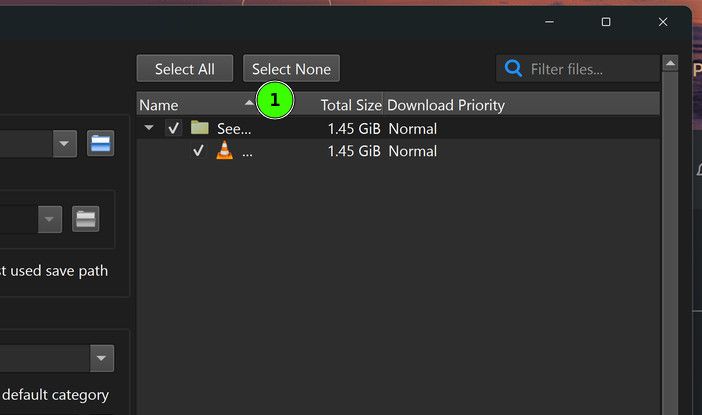
@trkr4life That's because your column is too small. Make it bigger by clicking on the line in the title at (1), and dragging that to the right.
-
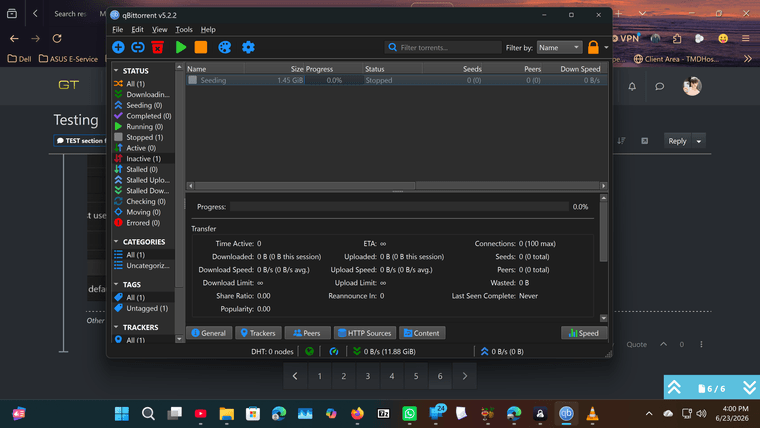
@Kevin4fm ok seeding is stopped
-
@trkr4life Great. Scroll up to my previous comment at
which I posted a little early, and now do that.
-
Oh, you don't need to scroll up. Unless you need to see the full pic.
-
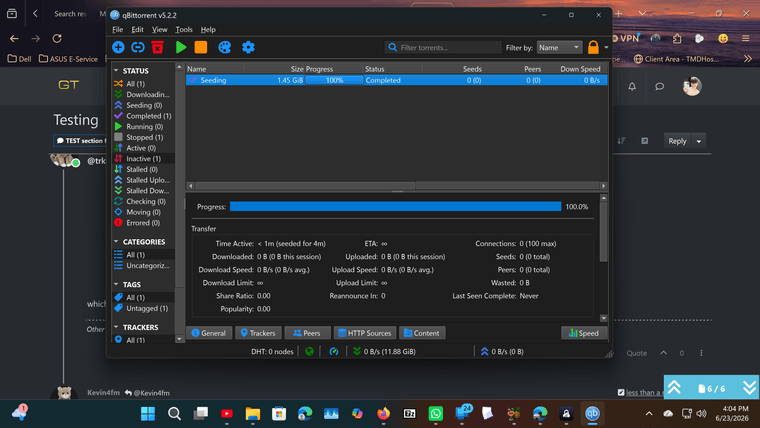
@Kevin4fm ok it downoaded
-
@trkr4life Excellent. Now simply highlight that torrent - I think you already have - and either click the "Start" icon, or right click and select "Start".
-
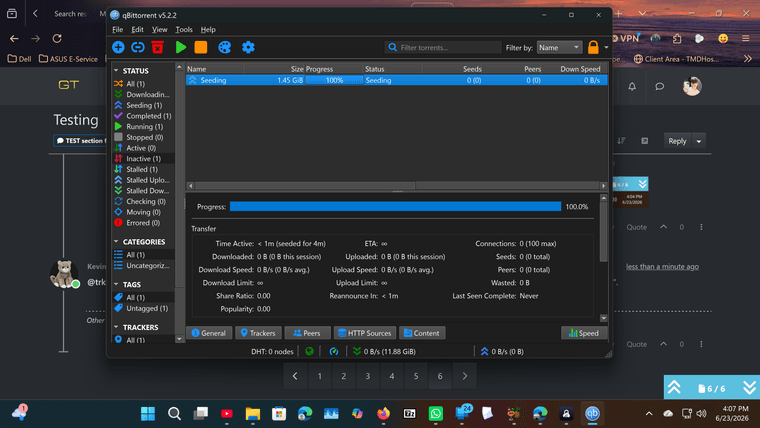
@Kevin4fm it says seeding
-
@trkr4life OK. There's something very wrong here, because you're not.
Did you do EXACTLY what I said earlier? i.e. Did you download the torrent afresh from the site? Not "kinda". Exactly!?
-
@Kevin4fm i clicked on download from the forum and used that torrent
-
@trkr4life OK. We need to check everything. Please do these things EXACTLY as asked. Don';t try any shortcuts / etc., because that defeats the object!
Go to the site, to the listings page you can search from.
Set "Active torrents" to "Include dead" (1)
Type "Angel of" in the name search field (2)
Click the "Search" button.
Your torrent should appear as the first listing found.
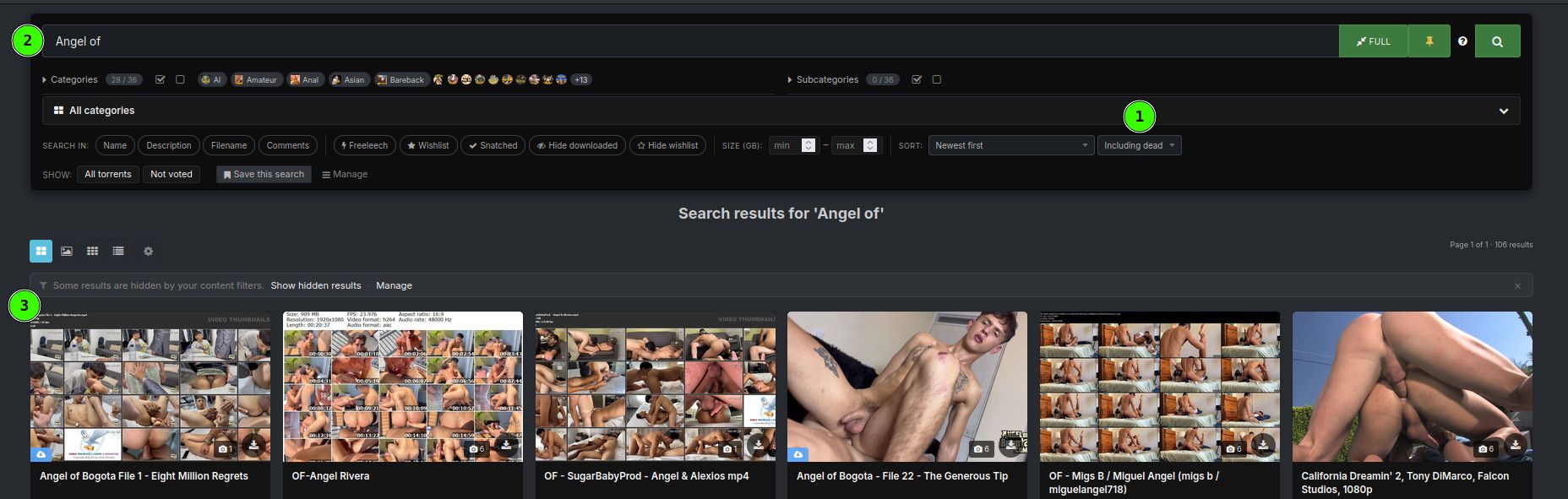
If so, click on that, to enter it.
-
Once you're in, top left should look like this:
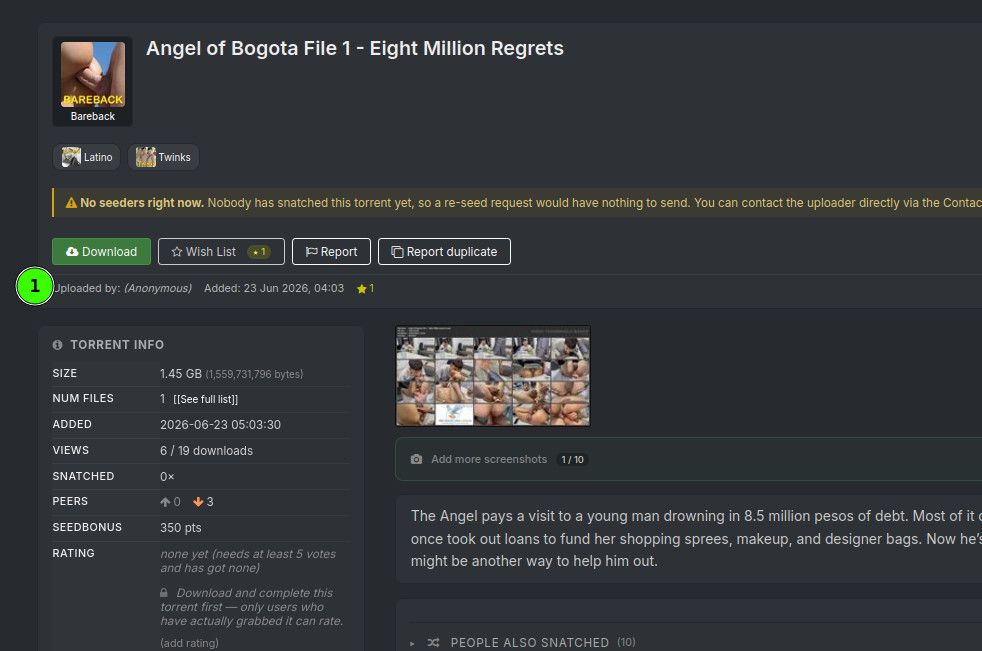
At (1) instead of "Anonymous", does it Say" trkr4life (you)"?
-
@Kevin4fm mines was like 3rd over not first
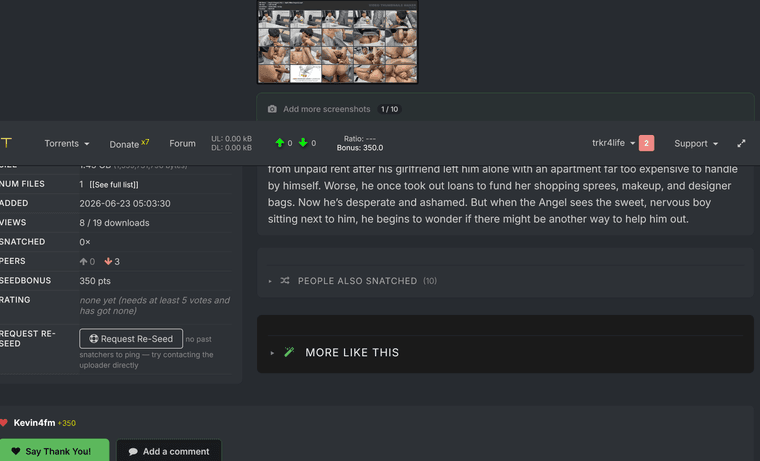
-
@trkr4life OK. Your screenshot cuts off the thing I asked you about, but it shows your name to the right.
But it does say yor user name and "you", yes? (You have messages about the torrent, btw. Deal with them later though, OK? It's past my bedtime!)
-
i'm sorry go to bed then i try to make it bigger but it wont let me thank you anyway
-
@trkr4life No, I'm happy to carry on for a bit, if you are. I'm just trying to keep you focussed!
Other opinions are also available. They're not right, obviously, but they are available.
-
You don't need another screenshot. I just want to confirm this is definitely your torrent.
-
-
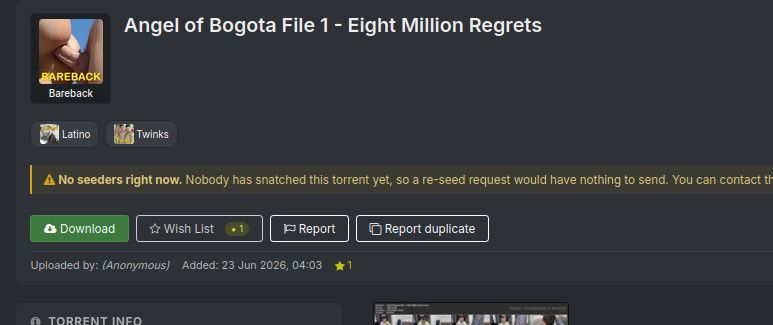
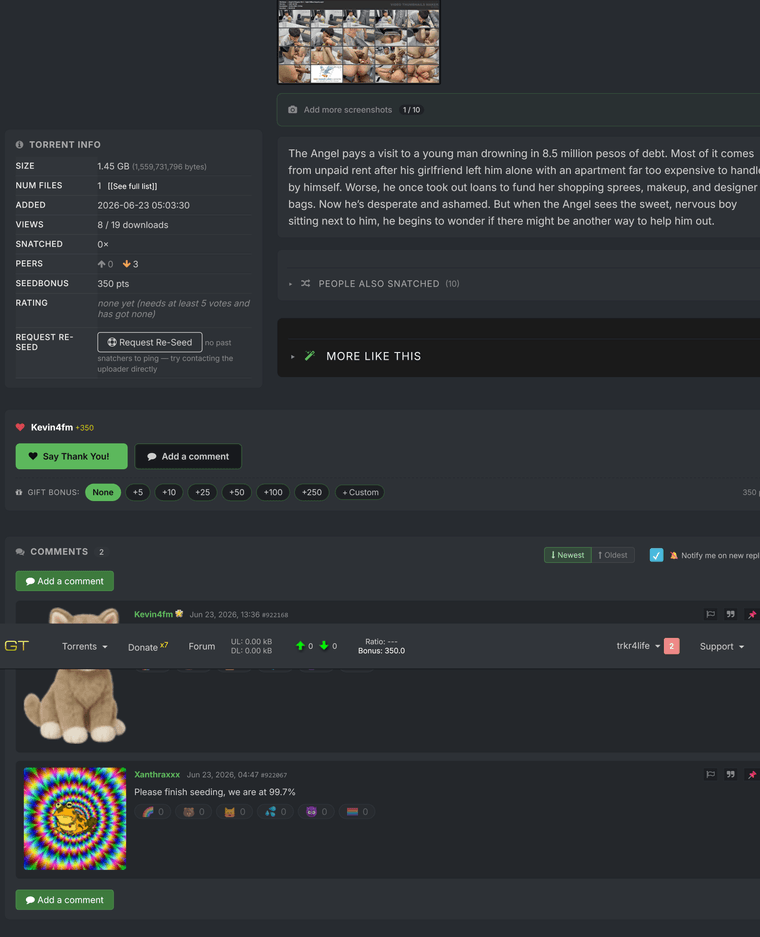
@trkr4life Ok, that's too far down. Beneath the green "Download" button, it says "Uploaded by". You don't need another screenshot, just confirm it says your name and "(you)", not "Anonymous.


Hello! It looks like you're interested in this conversation, but you don't have an account yet.
Getting fed up of having to scroll through the same posts each visit? When you register for an account, you'll always come back to exactly where you were before, and choose to be notified of new replies (either via email, or push notification). You'll also be able to save bookmarks and upvote posts to show your appreciation to other community members.
With your input, this post could be even better 💗
Register Login