AI Upscaling
-
@mattisv there are a few AI open source projects out there that may be of interest, but just know they a mixed bag of results and tend to require a higher technical skillset to get going (not all but just some). A couple of free ones that come to mind which use AI/NNs to upscale Cupscale (https://github.com/n00mkrad/cupscale) , Waifu2x-Extension-GUI (https://github.com/AaronFeng753/Waifu2x-Extension-GUI), Waiful2x (https://waifu2x.udp.jp/) ,QualityScaler (https://jangystudio.itch.io/qualityscaler)
One tool that's extremely generally useful utility is Hybrid (https://www.selur.de/downloads). You wouldn't use it for upscaling resolution of a video, although you can, but it brings a fantastic array of options to perform pre/post treatment work with videos. I find that it has better results using non-AI based programs. For example TVEAI doesn't do a great job denoising or degraining video versus free alternatives like Handbrake or Hybrid. In fact I think it does as good of a job, if not better, than BMDS
-
@jrewingwanna Thank you, I'll check those out!

-
Indeed several people have recommended QTGMC to me for upscaling in relation to deinterlacing, However it is very complicated to both install and use and not for beginners. Many of my source files are already in MP4 or MKV format and I am not sure if deinterlacing will make any difference on a file that has has already been processed from its original format.
I also found that the deinterlace preset in Topaz does not seem to have much effect on such files, but I have noticed that the processing time is much longer.
On the whole though, Topaz is very good, if not pricey!
-
@bolero said in AI Upscaling:
I am not sure if deinterlacing will make any difference on a file that has has already been processed from its original format
It's possible, but very unlikely. To properly deinterlace a video it needs to have the exact same resolution and framerate as it was originally presented, you might transcode it to a progressive format but if you preserve the original resolution and framerate you can still deinterlace it afterwards. Any alteration in resolution or framerate will produce irreversible artifacts.
-
Also worth mentioning that what I said only applies to transcodings where the interlaced video is treated as progressive OR if it's transcoded to an equally interlaced format.
Treating the source material as interlaced and transcoding it to a progressive format will inevitably end up in either a full resolution video with interpolated frames or a half-resolution video with doubled framerate.
-
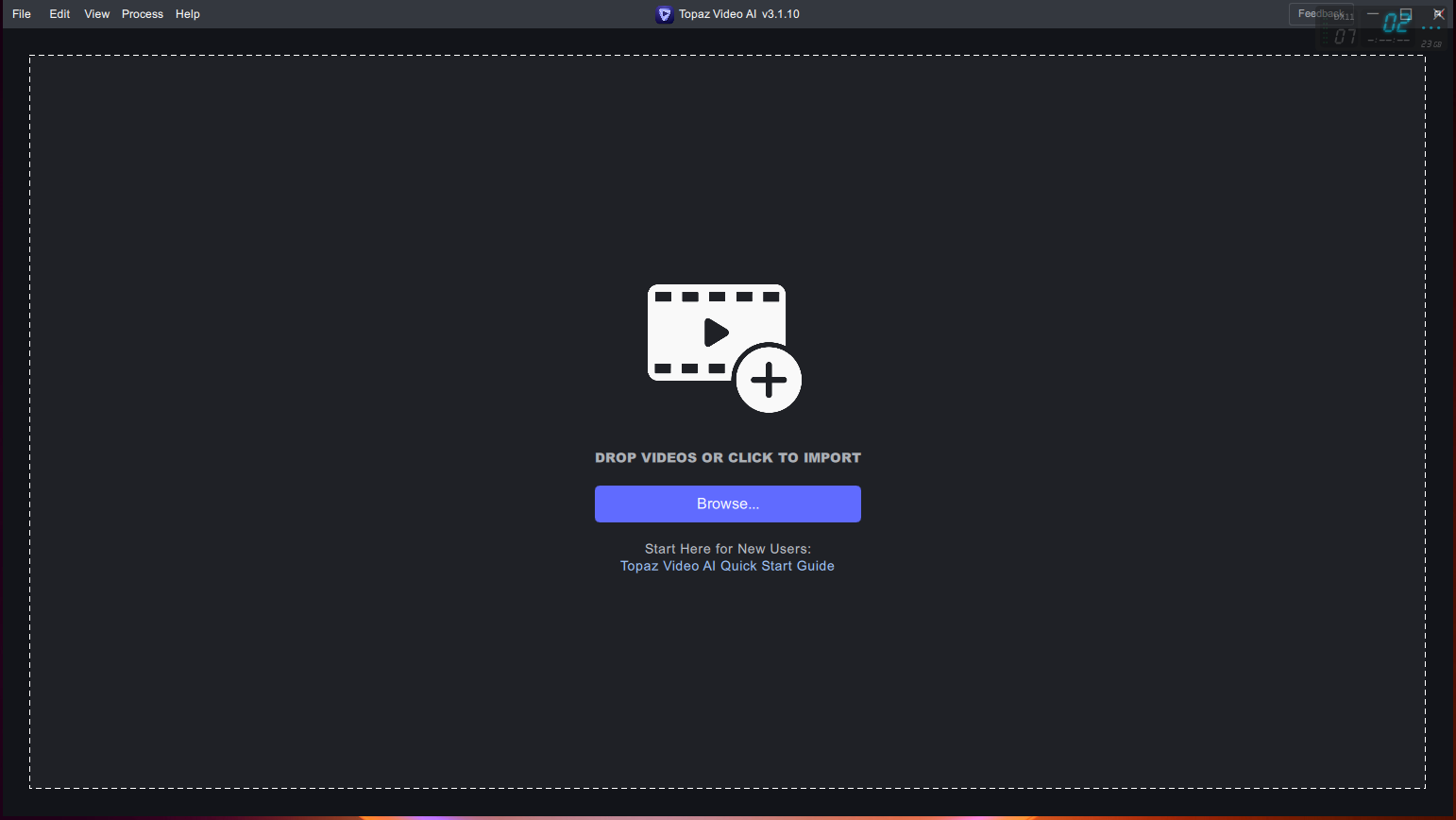
@mattisv just p!rate topaz labs software, and block it w/ a firewall after its installed
-
@oof if you block topaz how will the AI models be downloaded bro

-
Thank you.
-
@ianfontinell deez installed it for me, ask him
-
Sorry for resurrecting this one, but I was wondering if anyone knew if the Video Enhancer by AVC labs was any good? It's $40 USD as opposed to $300 USD for Topaz



Hello! It looks like you're interested in this conversation, but you don't have an account yet.
Getting fed up of having to scroll through the same posts each visit? When you register for an account, you'll always come back to exactly where you were before, and choose to be notified of new replies (either via email, or push notification). You'll also be able to save bookmarks and upvote posts to show your appreciation to other community members.
With your input, this post could be even better 💗
Register Login