New Design
-
it's a nice look, but the font is way too big for title and description. the description box ends up with a scroll bar. completely messes up trying to scroll whole page if the pointer is hovering over one of these boxes. ugh. screen shot previews are too tiny to be of much use. hovering over screen shots should enlarge them, not sure why it's the title that is the hover zone. camera glyph is redundant, since clicking on photos also zooms.
personally i prefer the old layout. it's more compact and presents more information quickly. especially if i'm on a phone or tablet. i do like the new color scheme, the grey/white is easy to read. the green and dark green quickly let me know what i've downloaded before and can scroll past. top menu bar is better organized and displays important information and links easily.
-
Please
Improve the search function so that
searches on multiple words are possible
searches can go back or forward more than one page at a time ( I hope the screen grab makes that clearer)Thanks
PS Hated it at first but would not go back for quids

-
Great work so far….would it be possible to anchor the title line. As it is now when you scroll the individual item feed to see the description the title disappears behind the item directly above it, which in turn makes reading the description either difficult. It also gives the sight itself a appearance of unpolluted. Cheers!
-
Using the large fixed image preview from the search screen - the floating menu bar at the top covers it (possibly drop the float down by that many pixels or make it float on top of the menu).
Also the image previews are in a single vertical column on the left only. Very hard to 'inspect' but maybe class mythumb was intended to be 'floating' so that the images would fill the space? Or reusing the case in the Browse section please! Throwing in a 'float' is instantly better but with gaps
Edit: the Browse page doesn't respect the mover image setting. But the hover images are stacked correctly - so there is definitely something funky with the fixed size image hover!
-
Thank you for the update. I'm loving the new cleaner mobile layout, especially the torrent image browser.
I'm using Samsung Internet Browser v12.0.1.36 on my Essential Phone and I'm having problem clicking on the torrent's title. Everytime I do it, the screen flashes a preview of the first three images of the torrent for a nano second but it does not load the torrent page. It does not matter if I zoom in to enlarge the torrent's title text. It happens with most torrent links. Please try multiple links on the page when trying to reproduce the bug. I was able to reproduce the problem on my Mi Pad 4 as well.
I had similar problem with the previous version of the site, but I was able to get around the problem by clicking near the beginning of the torrent's title.
I stumbled across the cause of this bug last night. The torrent page will load when there is no more than one image on the torrent page. Torrent page with multiple images just flashes the preview images and not load.
With the Description toggled to Short and Compressed mode, I can open torrent page with three or less images.
Solution : In Profile, when I switch Thumb Style on Browse to Thumbs appear at mouse position, all torrent page loads as expected.
For the phone layout, could you please bring back the quick download torrent file on the torrent listing page. Maybe as an icon after the camera icon in the torrent's title. Alternatively, move these two icons to the beginning of the torrent tag row and replace the current image tags with text links. This could free up space for additional torrent description texts.
-
too dense, small pics ; on my screen on both sides, 2 x 4 cm empty !!!????
-
I did a bit of double checking. The problem below appears to be associated with the old IE 11 browser. I did the same commands under Chrome (Version 83.0.4103.116 (Official Build) (64-bit)) and the issue DOES NOT appear.
I am leaving info below in Just In Case it helps someone else.(and yes, I am using the antiquated IE but only with GTRU. I separate everything else to the modern chrome or firefox :-))
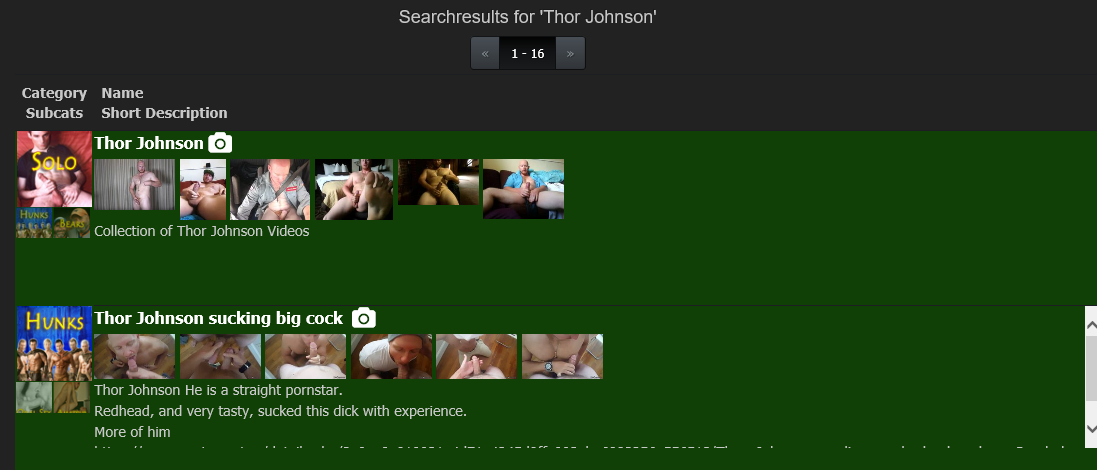
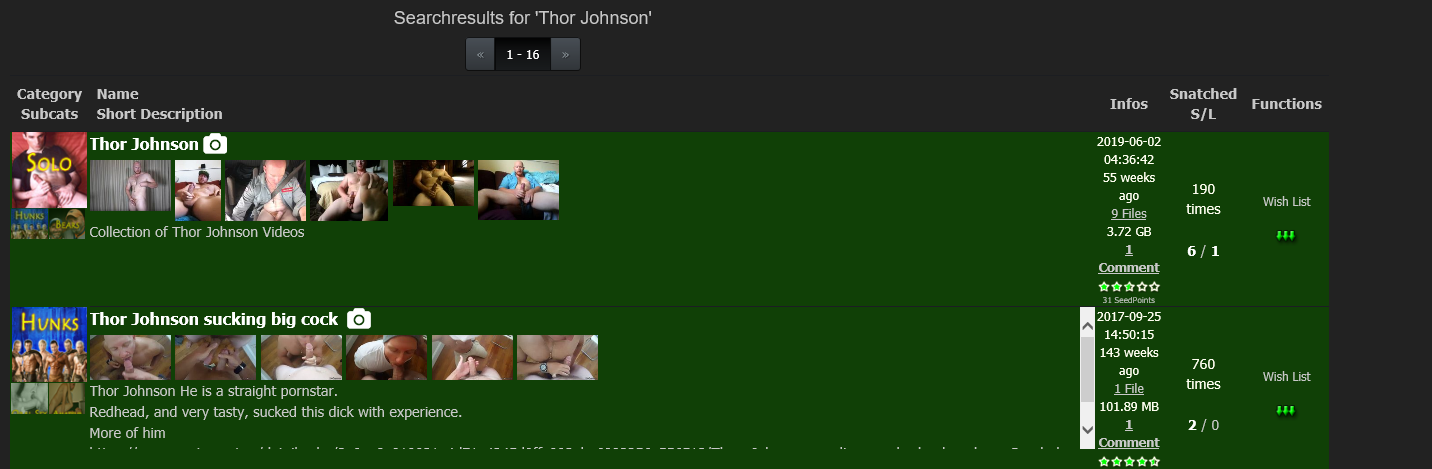
Just saw a change occur in search that I'm not sure was intentional. The change may have been intended to help phones maybe but from accessing via a PC, it's not a good thing for me.
Example 1
this is the search page from earlier that I had not closed. it shows all the info stats and links on the right of the screen.
Example 2
This what I just got when I did another search
There are no stats - links at the right
BUT then I change to Full Screen and the info and links are there. It appears that the main left column is now a fixed width..NOTE I Really am getting to like the NEW style especially when casually seeing what the latest posts are. I will just deal with description results screen when I am doing a specific search by going to full screen as needed.
-
Hello,
Good work !
but I just have a small problem: the number of thumbnails giving the subcategories is limited (apparently) to 2, while in the old design they are all displayed! -
Joker, the tweaks and improvements over the last couple of weeks have really been helpful. It's looking great and the new site is much easier to use than the old site at this point. I especially like the dropdown menus at the top of the page.
There are a lot of comments and suggestions in the "Suggestions & Site Feature Requests" subforum that you might want to read:
-
1. The look of the website in the mobile version is ugly, it always crashes and the browser says 'gaytor.rent is not matching'
2. the page names of the torrents are too long, the images incorporate taking longer to load and are cut as below.

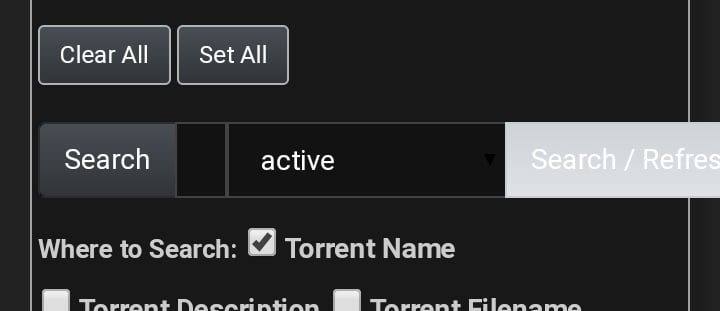
3. The search box in the mobile version is so small that I can't even find it and the 'search' button is out of alignment
-
At your service. I was cool with the compact version of the new design, but with scroll text on the torrent roster, no can do.
-
The new layout is terrible and borderline unusable. I appreciate the effort that went into a revision, but a basic principle of UI design should be ease of navigation and the ability to scan large numbers of items in a list. Everything here is now blocky and huge, and you can only see 2-3 torrents per screen, as opposed to the 15-20 I could previously view.
Accommodations should of course be available for people with visual difficulties, but it's entirely possible to provide those without destroying ease of use for those of us who have our browsers set properly for our level of eyesight. Forcing all of us to view a page with large, clunky pictures and enormous fonts isn't the way to provide this.
The new UI is awkward and works against easily seeing which torrents are available. I'm sorry to say that I've honestly stopped using the site because of it. I'll check back on occasion to see if these issues have been improved, but until then, I wish you all well.
-
Looks good, at least so far. A lot of redesigns seem to cause more problems then before but this looks to be fairly clean.
an incredible 279 users have switched back to the old version. probably because the font was too small in the beginning? It's a pity that they don't get in touch here why. In a future version (where also this forum will get a huge version jump forward) there will be no way to activate the old design. i can't please everybody, but i'll try my best. So give me your feedback, and as exactly as possible what is not as good as before in the new version, so i can work on it.
Any eta on forum redesign?
-
The placement of the forum threads are odd too so when the redesign happens, consider changing the placement.
The rules section is placed all the way the bottom of the page but description says:
"We will post extremely important information and rules here."Seems like that should be at the very top?
Also non-english board section is above request section (even though request section is used the most). So, would think that should be reversed?
-
The limitation to 20000 results is bad, I can't work through all 220000 active torrents (I've done this already once to complete my collection and not to overlook something with bad description…).
I like the old gaytor.rent logo top left being replaced 'cleaner', just it should fully word the site URL IMHO.
-
I appreciate the update from the old design.
But the non-existent margins are killing me, it reminds me when websites were built solely on html, also the hour stamp is useless, why should we get to know the exact time the file got uploaded? It's enough to provide just the day and let the hour be on the torrent details/single page.
-
But the non-existent margins are killing me, it reminds me when websites were built solely on html,
You can toggle margins on and off on the search page and choose photos or none and short or long description. Look for the three icons including one that is a camera on the right side of the page above the search results.
-
You can toggle margins on and off on the search page and choose photos or none and short or long description. Look for the three icons including one that is a camera on the right side of the page above the search results.
I don't mean the site width in relation to the browser window, I'm talking about the categories, title, camera icon & image reel (Whether it's active or not) and the description margins with one another and the box containing them all; they're all too close, no major distinction from title to description fonts, the camera icon is bigger than the title and touches the top margin, categories have a margin of 1 to the left but 0 to the top, both are annoying, the categories are almost touching the text and the images and when the image reel is deactivated the space between title and description is too much and so on…
-
i like the new layout, and the new categories, but, i think dildos and fisting should be one category, in contrast to anime games which is full of interactive games but also just collections of cgi clips.
-
I'm unable to navigate past page 200 with 20 results per page (results 4001-4020). That is, any page above 200 shows the results of page 200 (tested by modifying the page query parameter).



Hello! It looks like you're interested in this conversation, but you don't have an account yet.
Getting fed up of having to scroll through the same posts each visit? When you register for an account, you'll always come back to exactly where you were before, and choose to be notified of new replies (either via email, or push notification). You'll also be able to save bookmarks and upvote posts to show your appreciation to other community members.
With your input, this post could be even better 💗
Register Login