Test
-
some testing about image size.

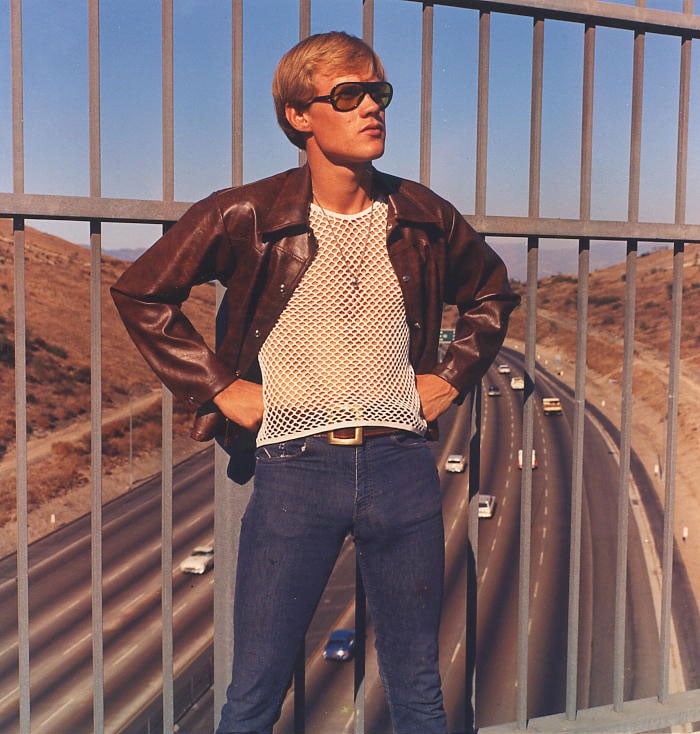
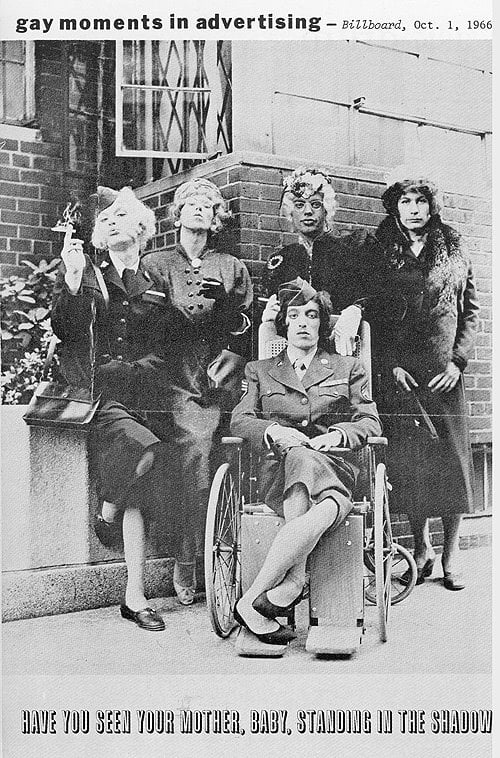
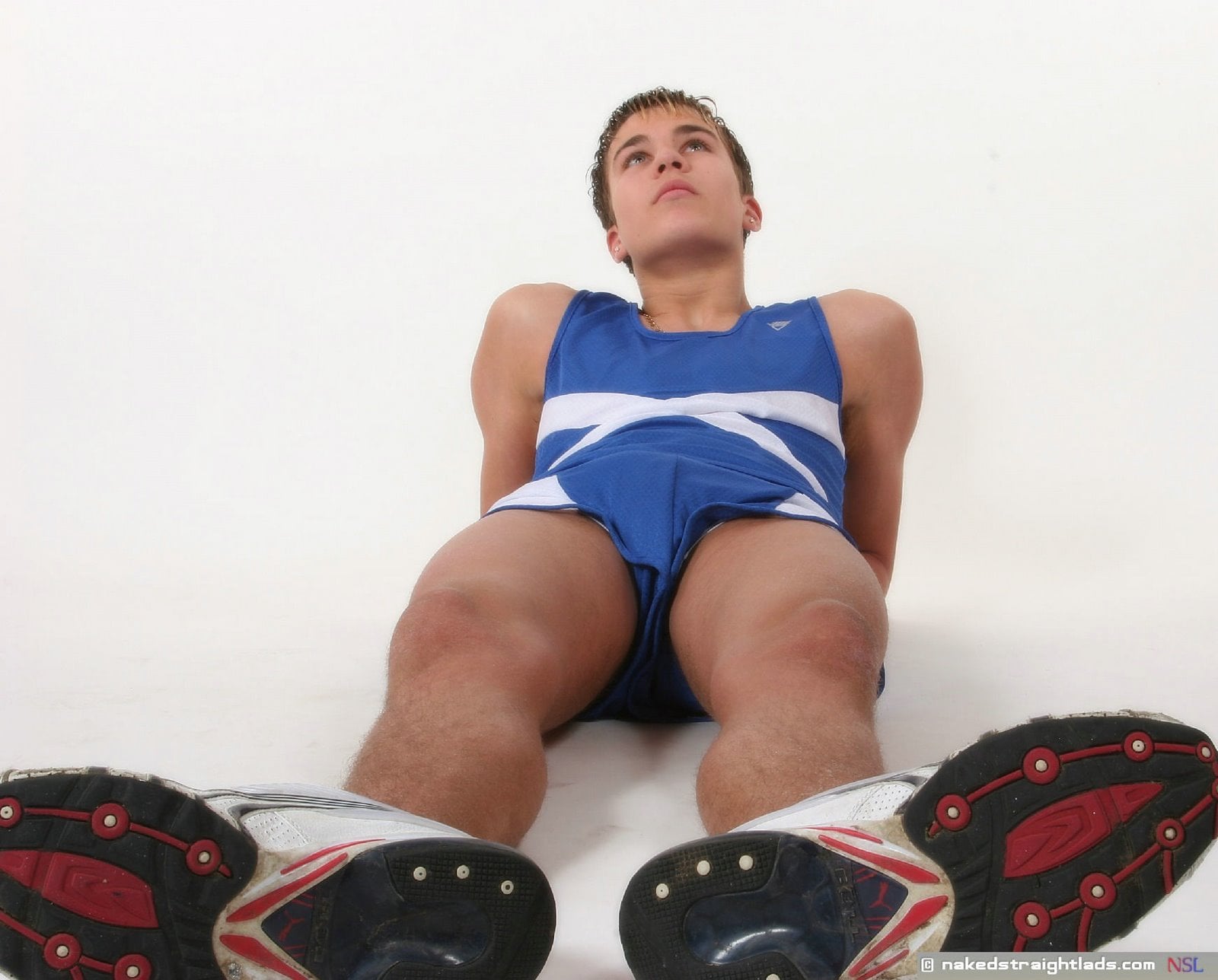
-
You can resize the display in specifying either width or height or both
[img]http://tracker.gaytor.rent/bitbucket/149_5.jpg[/img]Then a click shows bigger size, with a symbol in the upper right corner to show the full size (a rectangle wit an arrow upright)
-
Oh nice. Thank you for this great hint. I tried to use it but dont find out the working syntax. Now it is exactly what i wanted.
:thankyou: Uwe
-
If only either height or width are specified, the resizing is proportional, if both, the geometry may be deformed:
[img]http://tracker.gaytor.rent/bitbucket/149_5.jpg[/img] -
yes i know.
-
Wow - but..I keep clicking on a certain area of him hoping for a "pop-up"….it's all a matter of size...


Hello! It looks like you're interested in this conversation, but you don't have an account yet.
Getting fed up of having to scroll through the same posts each visit? When you register for an account, you'll always come back to exactly where you were before, and choose to be notified of new replies (either via email, or push notification). You'll also be able to save bookmarks and upvote posts to show your appreciation to other community members.
With your input, this post could be even better 💗
Register Login