I can't upload zip files
-
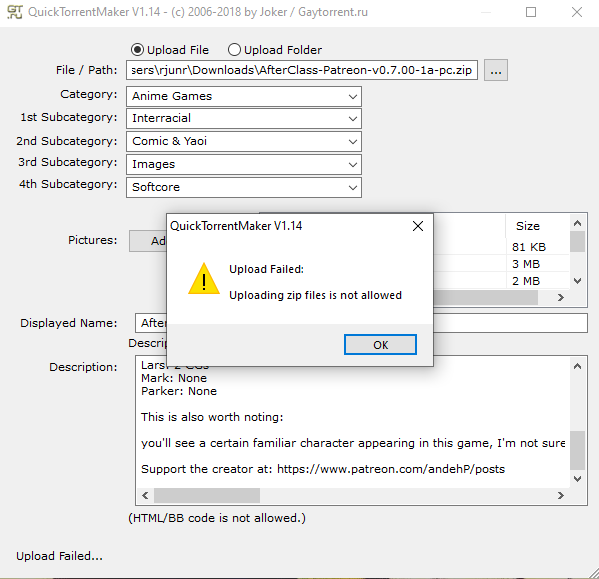
I'm trying to upload a visual novel when this happened. It never happened before. What should I do?
-
I'm trying to upload a visual novel when this happened. It never happened before. What should I do?
Upload the unzipped file instead. Is the compressed file really significantly smaller? Is it a large file to begin with?
It's irritating to download and then have to unzip a small file, like one of the subtitle websites does with subtitle files that aren't even 100kb and download in less than a second.
-
Try uploading it under Comic and Yaoi category with no sub cat
-
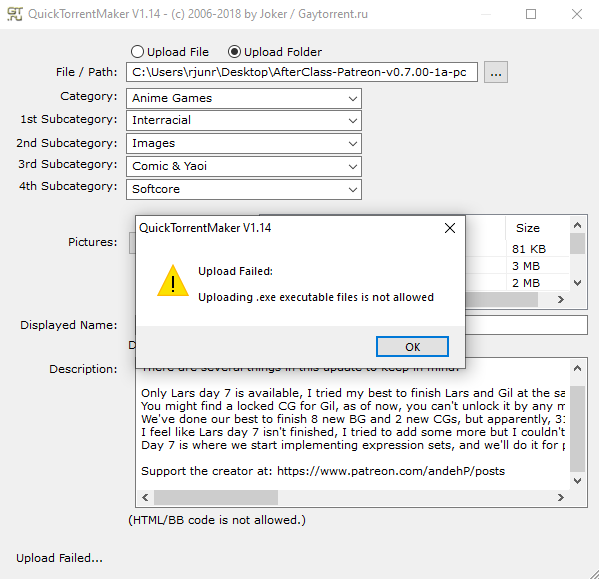
I did try to just upload the whole folder but this happen.
-
The site owner is making some changes due to the number of viruses being uploaded.
As far as I am aware, books, comics, and images are allowed to be uploaded in zip or rar files, but nothing else is. They are category-specific.
-
I did try to just upload the whole folder but this happen.
I'm not sure why you would be uploading a .exe file: They are often used to carry viruses or malware, and I would never download one through this site.
As for the .zip problem, one user uploaded a torrent a few days ago where he just removed the .zip extension–so "bigfile.zip" was just called "bigfile." I then added the .zip extension after downloading it and it opened up just fine. (This works with Windows systems; I don't know about MacOS systems.)
-
I upload visual novels. They will never open without the .exe file.


Hello! It looks like you're interested in this conversation, but you don't have an account yet.
Getting fed up of having to scroll through the same posts each visit? When you register for an account, you'll always come back to exactly where you were before, and choose to be notified of new replies (either via email, or push notification). You'll also be able to save bookmarks and upvote posts to show your appreciation to other community members.
With your input, this post could be even better 💗
Register Login